
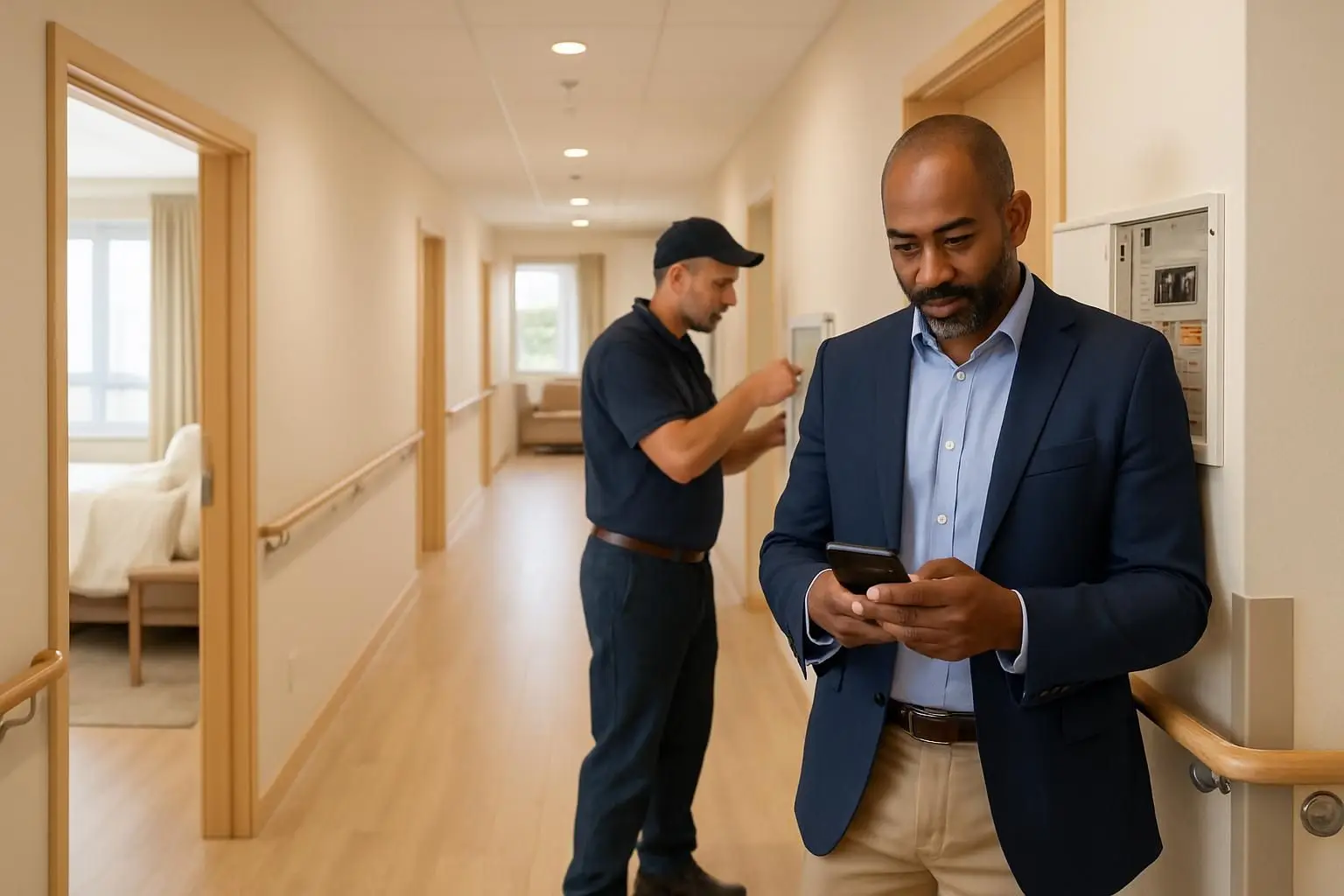
Hospitals need a cloud-based CMMS software platform that makes it easy to report faults, assign work, document safety controls, schedule preventive maintenance, and prove what happened during an audit. The best approach is not simply to digitise old spreadsheets: it is to connect residents, frontline staff, facilities teams, vendors, and managers through a simple reporting channel and a traceable maintenance workflow.
FacilityBot supports this model with messaging-first facilities management. People can submit a fault report through familiar channels such as WhatsApp, Microsoft Teams, Telegram, Slack, or Line—without downloading another facilities management software app. The report can then flow into work order management, checklists, preventive maintenance, CMMS records, and e-Permit to Work (e-PTW) processes.
For hospitals, clinics, medical campuses, and residential care environments, this can help facilities teams respond faster while maintaining the audit trails and operational visibility required for critical buildings.
What is cloud-based CMMS software for hospitals?
Cloud-based CMMS software for hospitals is a central online system for managing maintenance work, assets, faults, inspections, and maintenance records. Unlike a spreadsheet stored on one computer, authorised teams can access the same current information from connected devices and locations.
A hospital CMMS typically helps teams to:
- Receive and classify fault reports, such as lighting, plumbing, HVAC, access-control, or room-condition issues
- Create, assign, prioritise, and track work orders
- Maintain an asset register and maintenance history
- Schedule planned preventive maintenance (PPM)
- Complete digital inspection and safety checklists
- Control high-risk work through an e-PTW software system
- Maintain timestamps, status updates, attachments, and audit trails
- Review trends by site, building, asset, contractor, category, or response status
For a healthcare estate, the objective is operational control. Facilities teams need to know what was reported, who owns the task, what safety approval is required, when work was completed, and whether an issue is recurring.
Why hospitals need more than a fault reporting spreadsheet
Many teams begin with email, phone calls, paper forms, and Excel. These tools can work at a small scale, but they become difficult to govern across wards, public areas, staff accommodation, outpatient facilities, residential care wings, and multiple buildings.
Fault reporting system vs Excel
The practical difference in a fault reporting system vs Excel is workflow and accountability. A spreadsheet can list issues, but it does not inherently guide the reporter, route a task to the right person, alert stakeholders, capture photo evidence, or maintain a live status conversation.
A dedicated fault reporting system can provide:
- A structured report with location, category, description, and image evidence
- Immediate routing or assignment to the relevant facilities team
- Status visibility for the person who raised the issue
- Work-order history linked to the issue
- Consistent records for management review and audits
- Trend data that identifies repeat faults or problem locations
The phrase fault reporting system system sometimes appears in software searches, but the requirement is straightforward: one controlled system of record for issues and the work taken to resolve them.
FacilityBot takes a low-friction approach. A resident, nurse, administrator, visitor-services team member, or contractor can report a problem in an existing chat channel. This is particularly relevant in residential hospital settings, staff residences, and care facilities, where resident satisfaction can be affected by how quickly everyday issues are acknowledged and resolved.
What to look for in a fault reporting system for hospitals
A fault reporting system for hospitals should be easy enough for non-technical users to adopt, yet structured enough for facilities managers to govern. Start with the reporter experience, then assess the controls behind it.
Fault reporting system checklist
Use this fault reporting system checklist when evaluating options:
- Can users report issues without installing a new app?
- Can the report capture site, block, floor, room, asset, category, and photos?
- Can the system distinguish routine defects from urgent or safety-related issues?
- Are work orders automatically created or easily assigned?
- Can reporters and managers see the latest status?
- Is there a complete time-stamped history of actions and updates?
- Can managers analyse backlog, recurring faults, and resolution activity?
- Does it support multiple sites and user groups?
- Can it connect fault reports to assets, inspections, and preventive maintenance?
- Does the supplier offer appropriate data, hosting, and governance options for your organisation?
A fault reporting system mobile experience should reduce friction rather than reproduce a complicated desktop form on a smaller screen. Messaging-first reporting is useful because people already know how to send a message, location detail, or image from their phone.
Connecting fault reporting to work orders and maintenance
Reporting is only the start. A fault is valuable operational data when it becomes a managed task with ownership, priority, due dates, updates, and closure evidence.
FacilityBot combines fault reporting with work order management and CMMS capabilities. This means a reported issue can be tracked from initial notification through assignment and resolution, rather than disappearing into a generic inbox.
This is also where terminology can become confusing. Buyers may search for maintenance management software software, but the important question is whether the platform supports the complete maintenance loop:
1. Capture the fault or request. 2. Assess its urgency and impact. 3. Assign the appropriate in-house technician or vendor. 4. Apply permit and safety controls where required. 5. Record work performed and any evidence. 6. Close the task and notify the relevant stakeholder. 7. Use the history to improve planned maintenance and asset decisions.
For a hospital, that loop helps facilities teams make the status of work visible without requiring residents or staff to chase updates manually.
Asset management software for hospitals: build a useful asset history
Asset management software for hospitals should help teams understand what assets they have, where they are located, what maintenance they require, and how frequently they generate faults. This can include building-services assets such as air-conditioning equipment, pumps, electrical systems, doors, lifts, lighting, and water infrastructure.
The best asset management software is not necessarily the system with the longest feature list. It is the one that your teams can keep current, connect to real work orders, and use to make maintenance decisions.
Asset management software checklist
Use this asset management software checklist to focus evaluation:
- Asset name, ID, category, location, and responsible team
- Equipment documentation, images, and relevant records
- Linked faults, work orders, inspections, and maintenance history
- Preventive maintenance schedules and recurring tasks
- Ability to identify repeat failures and recurring costs
- Clear access controls and auditability
- Reporting by facility, asset type, maintenance status, and trends
- A workable process for asset data updates during moves, replacements, or refurbishment
The needs of a smaller site are often similar, just with fewer layers. Asset management software for small business should avoid a heavy implementation burden while still preserving maintenance history. Likewise, facilities management software for small business should make it practical to start with the faults, sites, and assets that matter most and expand over time.
Preventive maintenance: move from repeat complaints to planned work
Reactive work will always exist in hospitals. However, when the same room, asset, or system repeatedly produces faults, the maintenance record should prompt a different question: should this work be scheduled, inspected, or replaced before another user is affected?
FacilityBot’s preventive maintenance and digitised checklist modules help teams plan recurring activities and record completion. Checklists can standardise inspections across locations, making it easier to confirm that essential checks were completed and to identify exceptions.
A sensible rollout often starts with a small number of high-value workflows:
- Frequently reported resident or patient-area issues
- Shared-space comfort and condition checks
- Critical building-services inspections
- Vendor service visits
- Compliance-related inspections
- Recurring maintenance tasks that are currently paper-based
This creates useful maintenance data without asking every department to change everything at once.
e-PTW software for hospitals: control higher-risk work
Maintenance in hospital environments can involve work that needs explicit authorisation, coordination, and closure records. Examples may include contractor access, hot work, electrical work, work at height, isolation-related activities, or work in sensitive occupied areas. The exact permit process should always follow the hospital’s own safety policies and risk controls.
e-PTW software for hospitals digitises the permit-to-work process so teams can manage requests, approvals, conditions, supporting documents, and close-out in one traceable workflow. FacilityBot includes an e-Permit to Work module alongside fault reporting, work orders, and checklists.
How to use e-PTW software successfully
The search phrase how to e-PTW software usually reflects a more useful implementation question: how do you make electronic permits work in day-to-day operations? Use these principles:
1. Map your current permit categories and approval roles before configuring forms. 2. Keep permit questions specific to the risk and work type. 3. Require the relevant supporting evidence, conditions, and acknowledgements. 4. Set clear validity periods, escalation steps, and closure responsibilities. 5. Train internal teams and contractors on the digital workflow. 6. Review permit records regularly to improve the process—not just to store forms.
When comparing permit to work software pricing, assess more than the initial licence. Ask what is included for users, sites, modules, onboarding, support, integrations, data migration, and reporting. The lowest entry price may not represent the full cost of a system that staff and contractors struggle to use.
One platform across hospital, school, and residential portfolios
Healthcare organisations may manage more than acute-care buildings. They can also oversee staff housing, training facilities, childcare spaces, outpatient properties, or mixed-use campuses. A flexible platform can support consistent service processes while allowing site-specific workflows.
For example, organisations comparing facilities management software for schools or permit to work software for schools often need a simple multi-campus setup, fast issue reporting, and standardised inspections. Those requirements overlap with hospital estates, especially where there are many buildings, diverse user groups, and a need for clear accountability.
A practical implementation plan
A successful CMMS rollout is a service-design project, not only a software project. Start with the people who report faults and the people who resolve them.
Phase 1: Define priority workflows
Select a limited set of use cases: resident room defects, public-area faults, planned inspections, contractor permits, or high-volume maintenance categories. Define priorities, ownership, and expected status updates.
Phase 2: Configure the minimum useful data
Set up sites, locations, categories, work-order roles, escalation paths, and essential asset information. Avoid delaying launch while attempting to clean every historical record.
Phase 3: Make reporting easy
Tell users exactly where and how to report issues. A messaging-first channel can lower adoption barriers because there is no separate facilities management software app to download and learn.
Phase 4: Measure and improve
Review report volumes, response patterns, open work, repeat faults, preventive maintenance completion, and permit records. Use findings to refine categories, training, schedules, and asset strategies.
Choosing the right hospital CMMS
The right cloud-based CMMS software for hospitals makes maintenance easier to report, easier to manage, and easier to evidence. Prioritise a system that links everyday fault reporting to work orders, preventive maintenance, inspections, assets, and safety permits.
For resident-facing healthcare or care environments, ease of reporting matters as much as back-office capability. A resident who can quickly report a faulty light, leaking tap, uncomfortable room, or access issue through a familiar messaging channel is more likely to receive a timely acknowledgement and visible resolution path.
FacilityBot’s messaging-first model is designed for that practical reality: accessible reporting for users, structured workflows for facilities teams, and a central record for operational oversight. Request a demonstration to assess how its fault reporting, CMMS, checklists, preventive maintenance, work orders, and e-PTW modules can fit your hospital or residential-care maintenance processes.
