
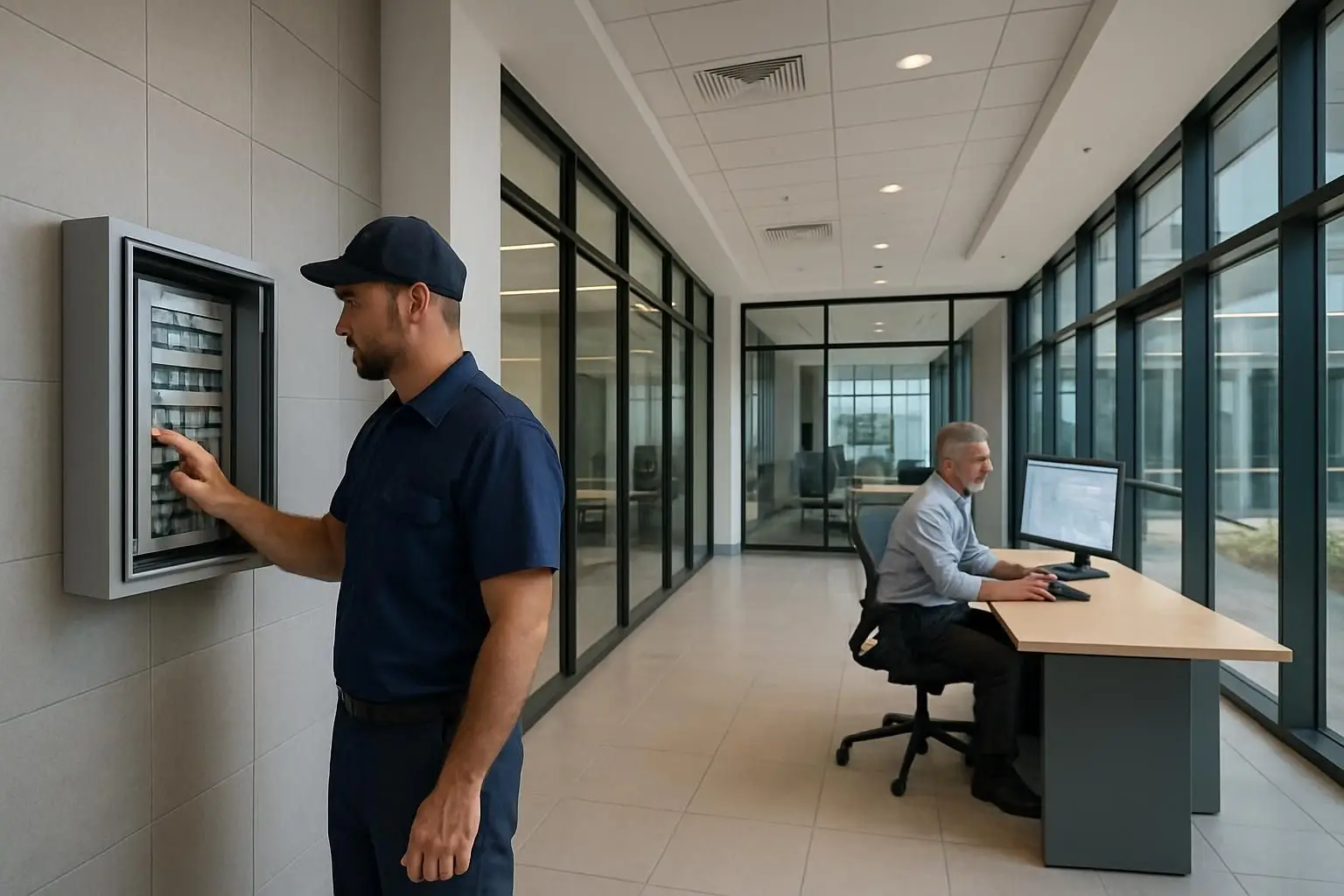
Facility management solutions should make it easy for any office occupant, tenant, or contractor to report a fault and easy for the facilities team to turn that report into accountable action. Messaging-first software does this by accepting requests through familiar channels such as WhatsApp, Microsoft Teams, Slack, Telegram, or Line, then connecting each report to triage, work orders, inspections, preventive maintenance, and an auditable service history.
For commercial and office environments, the right system is not simply the one with the longest feature list. It is the one that removes reporting friction without sacrificing operational control. A polished portal is of little value if people do not use it when a meeting-room air-conditioning unit fails, a washroom needs attention, or a safety issue requires urgent escalation.
Key takeaways
- Choose facility management software that makes reporting simple for the people who spot problems, not just for the team that closes them.
- Ensure every fault report can become a tracked work order with ownership, status updates, priority, evidence, and closure records.
- Connect reactive faults with inspections, preventive maintenance, asset records, and permits to avoid disconnected operational data.
- Assess integrations, security, reporting, implementation support, and total cost—not just headline feature claims.
- Messaging-first facilities manager software can improve adoption by working in communication tools employees already use.
Why reporting friction matters in office facilities management
A commercial office has many potential reporters: employees, reception staff, tenants, cleaners, security officers, technicians, and external vendors. Most are not regular users of a maintenance platform. Asking them to find a portal, reset a password, download an app, learn categories, and complete a lengthy form adds friction at the exact moment a problem needs to be reported.
The result is familiar: faults are reported informally in chat groups, by email, in person, or not at all. Facilities staff then spend time extracting details, clarifying locations, forwarding requests, and chasing updates. That process creates blind spots in response times, repeated faults, contractor performance, and maintenance demand.
Messaging-first software for facility management changes the entry point. A user can report an issue in a familiar messaging channel and attach a photo or location detail. The platform structures that input into a service request, provides the facilities team with a central queue, and keeps stakeholders informed without relying on scattered chat threads.
This approach is not about replacing disciplined facilities processes with informal messages. It is about using messaging to capture issues quickly, then applying structured workflows behind the scenes.
Messaging-first software versus conventional reporting tools
Different reporting methods can coexist, but they do not create the same operational outcome. When comparing facility management solutions, look beyond whether a vendor says it supports “mobile reporting.” Consider the full journey from observation to verified completion.
| Reporting approach | User experience | Operational visibility | Common limitation | Best use case |
|---|---|---|---|---|
| Email or phone calls | Familiar but unstructured | Low; requests can be missed or duplicated | Details, ownership, and closure records are inconsistent | Limited fallback channel for exceptional cases |
| Shared chat groups | Fast and familiar | Low to moderate; conversations are searchable but not managed as work | Requests disappear in busy threads and status updates are unclear | Informal communication, not the system of record |
| Dedicated mobile app | Structured after adoption | Moderate to high | Requires downloads, account setup, training, and ongoing adoption | Teams that use the app regularly, such as technicians |
| Self-service web portal | Structured and accessible on browsers | High | May still be too slow or inconvenient for occasional reporters | Tenant or employee service hubs |
| Messaging-first FM system | Familiar front end with structured workflow | High | Requires thoughtful workflow design and channel governance | Offices seeking low-friction reporting and central control |
A messaging-first system should preserve the conveniences of chat while preventing chat from becoming the work-management database. That distinction is crucial. The message is the trigger; the managed record is the source of truth.
The 6-Point Connected Operations Test
Use the following framework to evaluate facilities manager software. It focuses on whether the platform can connect everyday requests to the wider maintenance operation rather than merely logging tickets.
1. Frictionless fault capture
Start with the reporting experience for a person who has never used the system before. Can they report a problem from channels already common in your organisation, such as Microsoft Teams or WhatsApp? Can they include a photo, location, description, and urgency without navigating a complex form?
For an office environment, the system should also help standardise the information that arrives. A report that says “AC broken” may need a building, floor, room, asset reference, time observed, and impact before it can be assigned effectively. Good software asks for only the essential context, using guided prompts or intelligent routing where appropriate.
Evaluate whether the system can:
- Capture text, photos, and relevant attachments.
- Identify or prompt for site, building, floor, and room location.
- Acknowledge receipt automatically so the reporter knows the issue is being handled.
- Detect likely duplicates or link related reports.
- Separate urgent safety or business-continuity issues from routine requests.
- Support people who do not need a full software account or app installation.
2. Triage, ownership, and service workflows
A fast report is useful only when it reaches the right person with a clear next step. Look for configurable triage rules based on location, request category, asset type, severity, tenant, or time of day.
For example, a lift fault may route to a specialist vendor, a meeting-room lighting issue to the in-house facilities team, and a water leak to an urgent escalation workflow. The system should retain the original report while making it clear who owns the next action.
Strong workflow controls include assignment queues, priority levels, service-level targets, escalation rules, status definitions, and internal notes. Requesters should receive meaningful updates—such as assigned, in progress, awaiting parts, or completed—without exposing internal operational commentary.
Ask vendors to demonstrate what happens when a request changes hands. A ticketing interface may look clean in a demo, but the test is whether accountability remains clear across facilities, security, cleaning, IT, building management, and external contractors.
3. Work orders that create a complete maintenance record
A fault report and a work order are related but not identical. The report captures the issue as observed. The work order documents the planned action, responsible party, labour, materials, evidence, and completion outcome.
Your chosen facility management solution should let teams create and manage work orders without rekeying the same details. It should also support:
- Work order templates for recurring tasks.
- Assignments to internal staff or approved contractors.
- Due dates, priorities, and status tracking.
- Before-and-after photos or completion evidence.
- Comments and updates that are visible to the appropriate audience.
- Reopening or follow-up actions when a fix does not resolve the underlying issue.
- A searchable history by building, location, equipment, contractor, and issue category.
This link between faults and work orders is the foundation for reporting that leaders can trust. Without it, a dashboard can show request volumes but cannot reliably explain what was done, who did it, or whether the issue recurred.
4. Inspections and checklists in the same operational system
Inspections are often handled separately in spreadsheets, paper forms, or standalone survey tools. That creates an avoidable disconnect: a technician identifies a defect during a daily check, but the defect has to be entered again somewhere else to become actionable.
Look for digitised checklists that can create a fault report or work order directly from an inspection finding. This is especially useful for routine commercial-office activities, including plant-room rounds, washroom checks, fire-safety checks, meeting-room readiness, housekeeping inspections, and handover inspections.
The checklist tool should support recurring schedules, conditional questions, photo evidence, exceptions, sign-off, and audit-ready timestamps. Just as importantly, it should make exceptions visible to the team responsible for resolving them.
A connected approach improves traceability. You can show that an inspection took place, identify the defect found, see the corrective work order, and verify the close-out evidence in one record chain.
5. Preventive maintenance and asset context
Reactive work will always exist, but facilities teams need software that also supports planned maintenance. A CMMS capability within the broader FM platform can schedule preventive maintenance by calendar, meter reading, condition, asset class, or other defined triggers.
Asset context makes this more valuable. When a technician receives a work order, they should be able to see relevant equipment details, maintenance history, manuals, warranty information, location, and prior fault patterns. When managers review repeated faults, they should be able to connect them to a specific asset or system rather than treating each request as an isolated event.
ISO 55000 provides internationally recognised guidance on asset management systems. It is useful context when defining what your organisation needs from asset records, risk-based decisions, lifecycle visibility, and governance. Your software does not need to be overbuilt for every asset-management scenario, but it should not trap maintenance history in disconnected files.
6. Governance, reporting, and implementation reality
Facilities manager software is a long-term operating system, not a short-term form tool. Verify how it will support your organisation’s governance requirements and day-to-day working practices.
Key questions include:
- Can roles and permissions distinguish reporters, occupants, technicians, managers, contractors, and administrators?
- Is there an audit trail for reports, assignments, approvals, inspections, and completed work?
- Can the platform support your privacy, retention, and data-hosting requirements?
- Can teams export operational data and build reports by site, category, asset, response time, backlog, or contractor?
- Does it integrate with identity systems, communication tools, building platforms, or business systems where needed?
- Can workflows be configured without turning every operational change into a software-development project?
- What onboarding, data migration, training, and support are included?
Reporting should help managers make decisions, not simply decorate a monthly report. Useful views commonly include open workload by priority, aging requests, recurring defect categories, planned-versus-completed maintenance, inspection exceptions, and contractor response performance.
Essential capabilities to compare in facility management solutions
Create a weighted scorecard before scheduling final vendor demonstrations. The table below separates baseline requirements from differentiators that often matter in commercial offices.
| Capability | Why it matters | What good looks like |
|---|---|---|
| Multi-channel fault reporting | Increases reporting access and adoption | Reports can begin in approved messaging channels, portals, or other defined entry points |
| Automated triage | Reduces manual forwarding and delays | Routing rules use site, category, urgency, and asset or location data |
| Work order management | Converts requests into accountable action | Clear owners, statuses, due dates, evidence, and closure records |
| Digital inspections | Connects compliance checks to corrective action | Failed checklist items create trackable follow-up work |
| Preventive maintenance | Reduces reliance on reactive work | Scheduled tasks, asset history, templates, and completion records |
| Contractor collaboration | Clarifies responsibility across service providers | Controlled external access, updates, evidence, and performance reporting |
| Analytics and dashboards | Supports service improvement and management review | Filterable operational metrics with drill-down to source records |
| Security and permissions | Protects operational and personal information | Role-based access, audit trails, and policies aligned to your requirements |
| Configuration and integration | Prevents process workarounds | Adaptable workflows and practical connections to existing systems |
How to run a meaningful software demonstration
Avoid a generic feature tour. Give each shortlisted supplier the same real-world scenarios and ask them to demonstrate the end-to-end process live.
For a commercial office, scenarios might include a tenant reporting a water leak through a messaging channel, a receptionist raising an urgent meeting-room HVAC issue, a technician finding a defect during a plant-room inspection, and a scheduled maintenance task that requires contractor evidence.
For every scenario, ask to see:
1. How the issue is submitted and acknowledged. 2. How the system captures location, priority, and supporting evidence. 3. How the request is routed and converted to a work order. 4. What the assigned technician or contractor sees. 5. How the reporter receives updates. 6. How a manager reviews the complete history and performance data. 7. How the system handles a reopened issue or repeat fault.
This approach exposes gaps that product screenshots cannot: duplicated data entry, weak notifications, unclear permissions, missing audit trails, or workflows that depend on manual workarounds.
Buying for value, not just licence cost
The lowest subscription price is not necessarily the lowest-cost option. Consider implementation effort, workflow configuration, staff training, integrations, support, administration time, and the operational cost of low reporter adoption.
A platform that reduces the effort needed to submit, triage, and track requests can create value by improving visibility and reducing time spent chasing updates. However, ask for transparent pricing that reflects the modules, users, sites, support level, and deployment scope you actually need. You can review FacilityBot pricing as part of building a like-for-like comparison across shortlisted solutions.
A phased rollout is often a sensible path: begin with fault reporting and work orders at one office or campus, then extend to digital inspections, preventive maintenance, e-Permit to Work, and additional sites once workflows are proven.
Where messaging-first software fits
Messaging-first software is especially compelling when a large share of reporters are occasional users. Instead of asking every office employee or tenant to adopt another application, it lets facilities teams meet people in approved communication channels they already understand.
FacilityBot is designed around this model, allowing fault reporting through messaging platforms while bringing reports into structured facilities workflows. For buyers, the important question is not whether messaging sounds convenient; it is whether the platform can turn that convenience into a reliable record that connects reporting, work orders, inspections, preventive maintenance, and management oversight.
The best facility management solutions make it easy to report what is wrong, hard for work to fall through the cracks, and straightforward to prove what happened next. If you want to see how a messaging-first approach could work across your office facilities operation, book a FacilityBot demo.
