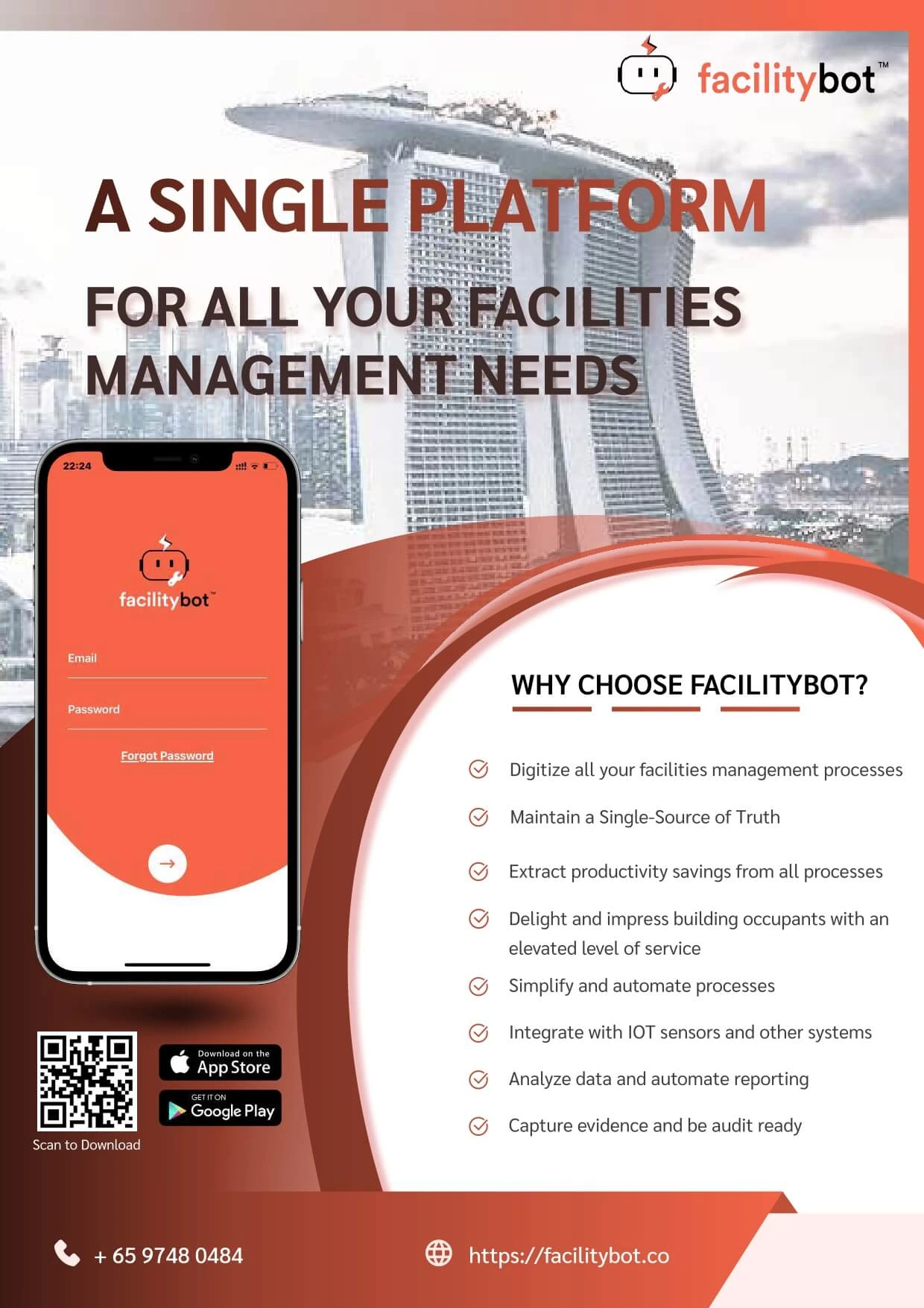
FacilityBot’s Assets feature provides a centralized system to manage, monitor, and optimize all physical assets across your facilities. It enables teams to track asset information, performance, maintenance history, and lifecycle while integrating seamlessly with requests, workflows, and analytics.
Assets can be created manually, imported in bulk, or linked dynamically through requests and QR codes. With features such as asset insights, downtime tracking, meters, and automated lifecycle notifications, FacilityBot ensures better visibility, reduced downtime, and smarter asset management decisions.
🧠 Key Capabilities
1️⃣ Asset Creation & Management
Assets can be created, organized, and maintained within a centralized system, allowing teams to keep accurate and structured records.
Relevant guides:
- Managing Assets
Create, edit, and organize asset records, including key details such as location, category, and specifications. - Importing Assets from CSV / Excel
Bulk upload multiple assets efficiently using CSV or Excel files to save time during setup or migration. - Custom Asset Field
Add custom fields to capture asset-specific data such as serial numbers, warranty details, or operational parameters.
2️⃣ Asset Tracking & Visualization
Assets can be visualized geographically and monitored in real time, improving operational awareness and decision-making.
Relevant guides:
- Map Dashboard: Assets Layer
Display assets on an interactive map to easily locate them and understand their distribution across facilities.
3️⃣ Asset Integration with Requests
Assets are tightly integrated with FacilityBot’s request system, enabling better tracking of maintenance activities and issue history.
Relevant guides:
- Linking Assets to Requests in the Responder Mobile App
Associate assets with requests so teams can maintain a complete service and maintenance history. - Creating a New Request by Scanning the Asset QR Code using the Requestor Mobile App
Enable users to quickly report issues by scanning asset QR codes, ensuring accurate asset identification.
4️⃣ Asset Monitoring & Maintenance
FacilityBot enables teams to monitor asset performance, usage, and maintenance needs to ensure optimal operation.
Relevant guides:
- Asset Downtime
Track and log periods when assets are not operational to identify recurring issues and improve reliability. - Meters Feature
Monitor usage metrics such as runtime, consumption, or readings to support preventive maintenance. - Parts
Manage spare parts inventory linked to assets to streamline repairs and maintenance processes.
5️⃣ Asset Intelligence & Analytics
Advanced analytics and AI-powered insights help teams understand asset performance, trends, and potential issues.
Relevant guides:
- Asset Insights (Powered by Generative AI)
Leverage AI to analyze asset data, identify patterns, and generate actionable recommendations. - Analytics – Dashboards
Visualize asset performance, trends, and KPIs through customizable dashboards.
6️⃣ Automation & Lifecycle Management
Automations help manage asset lifecycle events such as warranty expiry and useful life, ensuring proactive maintenance and planning.
Relevant guides:
- Automatically Send Email When Asset Warranty Expiry Date Is Near
Automatically notify teams when asset warranties are nearing expiration to prevent unexpected costs. - Automate Sending of Email Based on Asset Useful Life
Trigger alerts based on asset lifespan to plan replacements and avoid operational disruptions.
▶ Getting Started
To begin using Assets in FacilityBot:
- Create or import your assets into the system
- Configure custom fields to capture relevant asset data
- Link assets to requests for better maintenance tracking
- Enable QR codes for quick request creation
- Monitor asset performance using dashboards and insights
- Set up automation for warranty and lifecycle notifications
The Assets feature complements FacilityBot’s request system by providing deeper visibility into the resources behind every task—helping teams maintain assets efficiently, reduce downtime, and make data-driven decisions.