Introduction
FacilityBot’s Mobile App now includes enhanced Photo Annotation capabilities, allowing users to edit and mark up images directly before submission. This improvement ensures clearer documentation, better issue reporting, and stronger compliance records across Requests, Report Fault, and Checklist workflows.
Photo Annotation is available when uploading or editing images in the following modules:
Request – Processing attachments
Request – Completion attachments
Report Fault – Attachments
Checklist – Image field
Checklist – Multiple Image field
Upload Processing image
Upload Completion image
How to Annotate an Image in Mobile App
- Open the FacilityBot Mobile App.
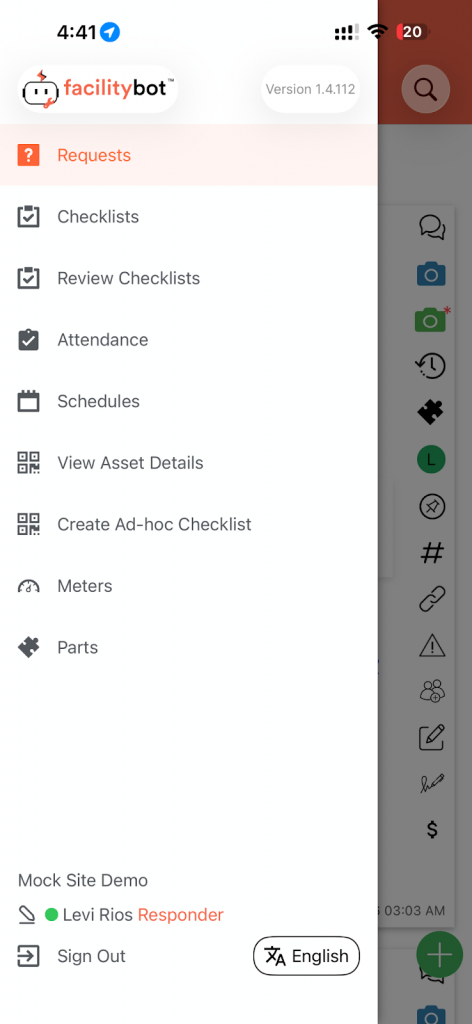
- Navigate to the relevant module (Request, Report Fault, or Checklist).
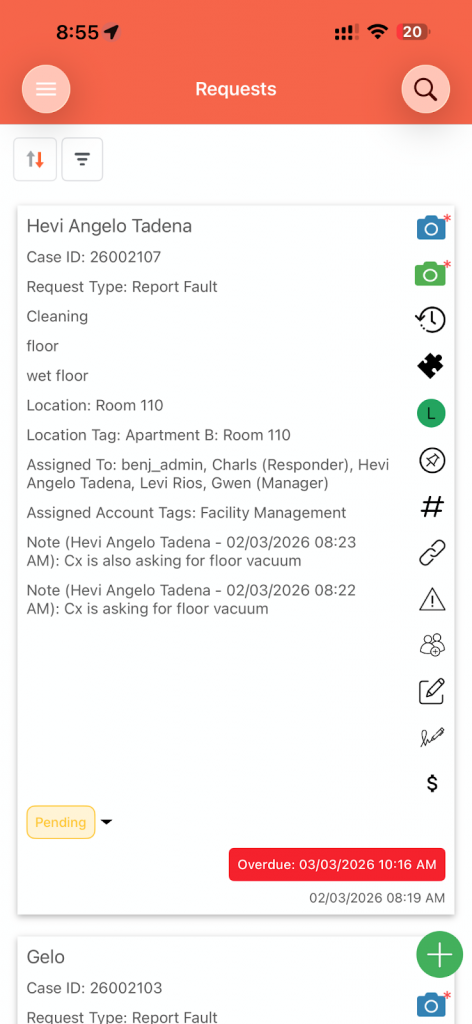
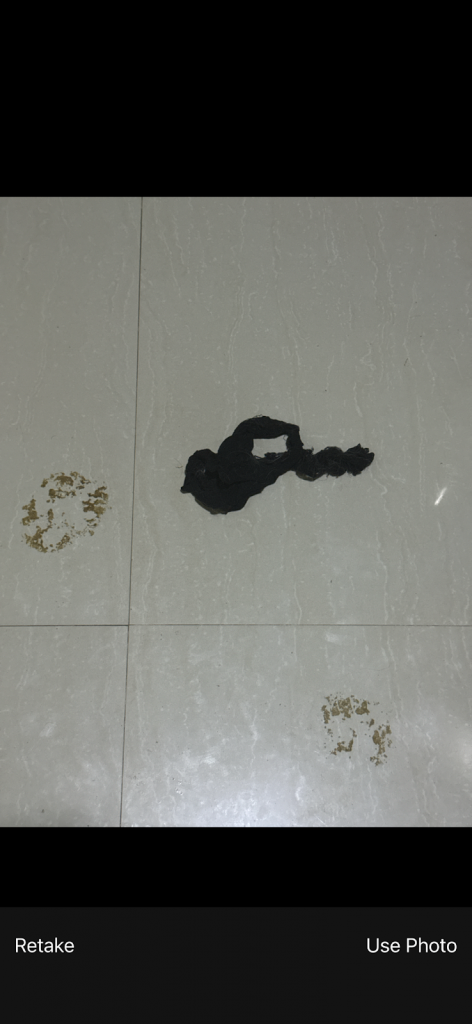
- Upload or capture an image.
- Tap pencil icon to annotate the image.
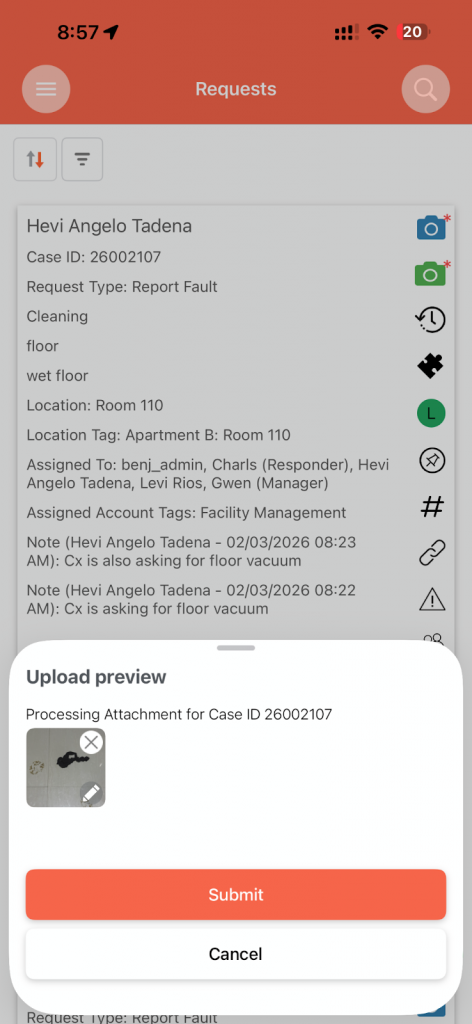
- Tap “Edit”.
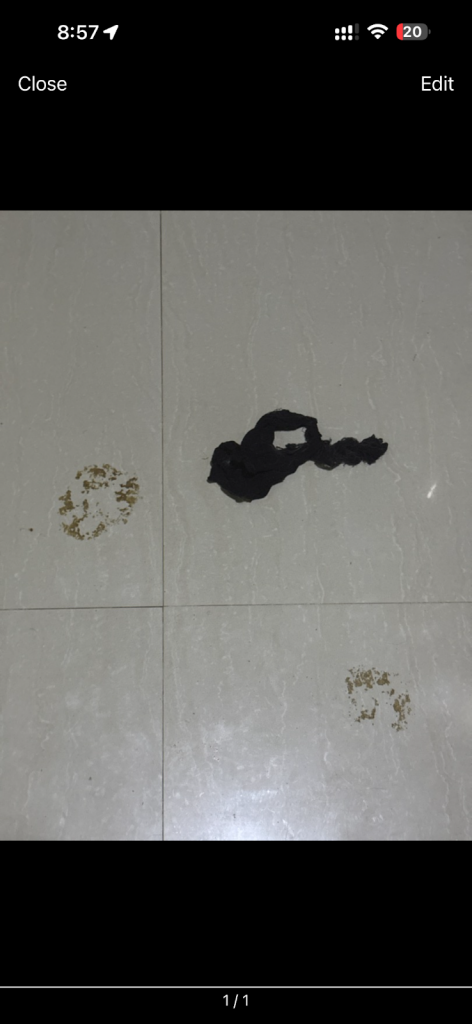
- The Photo Annotation toolbar will appear, allowing you to modify the image.
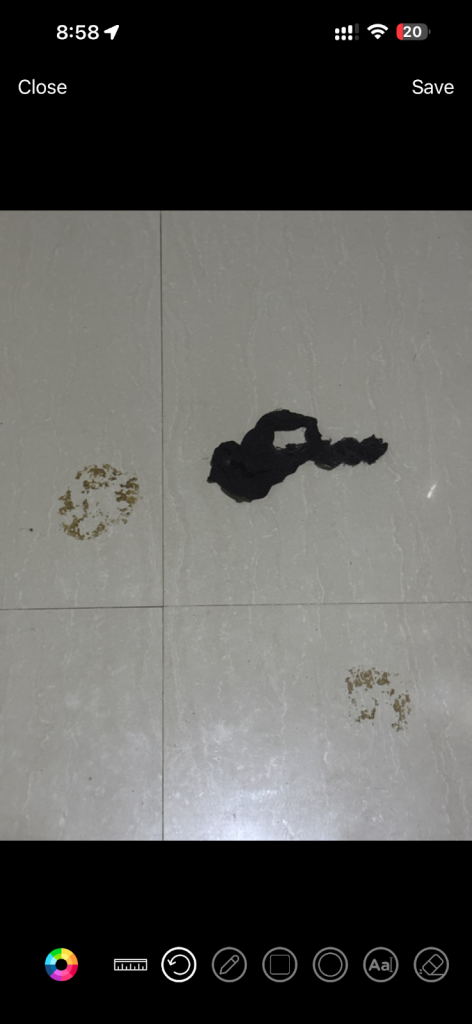
Available Annotation Tools
The improved annotation dialog includes the following tools:
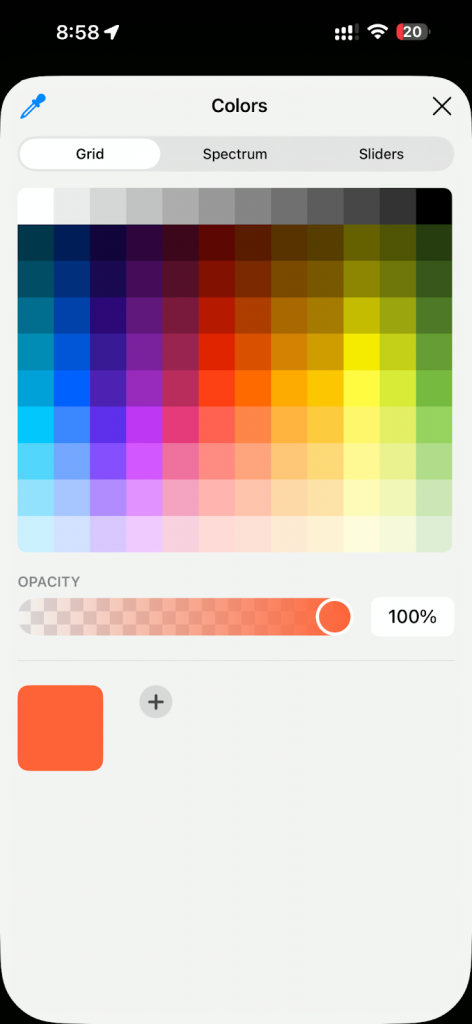
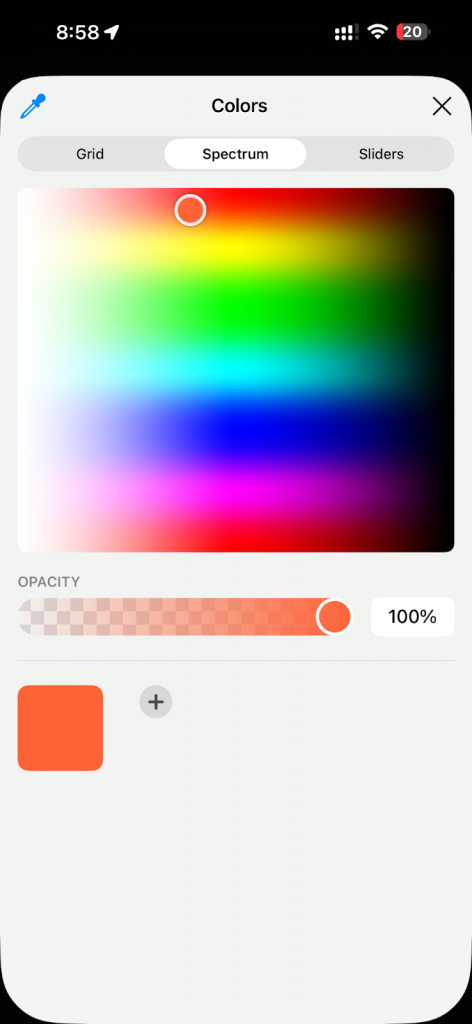
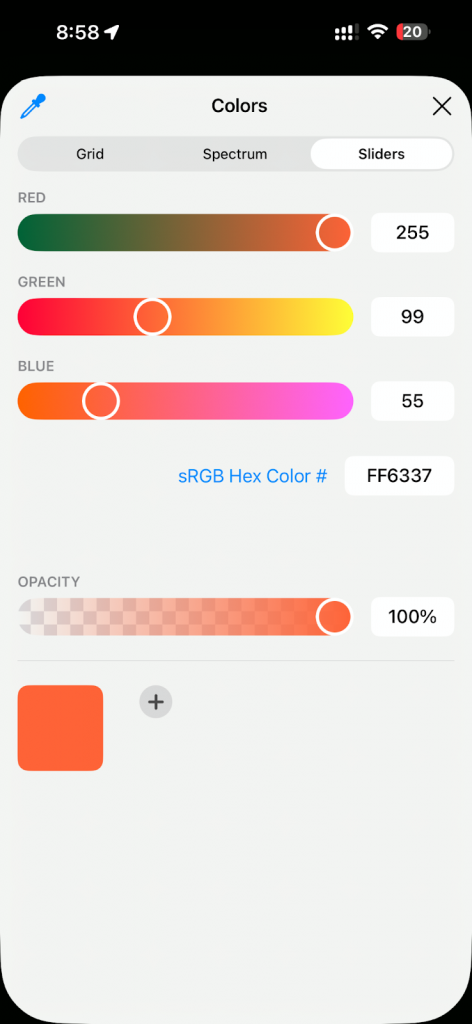
Change Color
Select different colors for drawing and shapes.
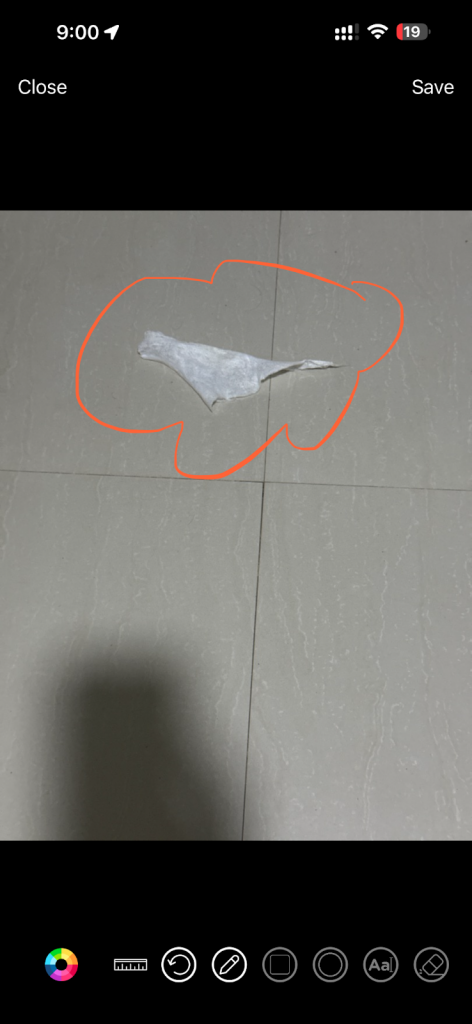
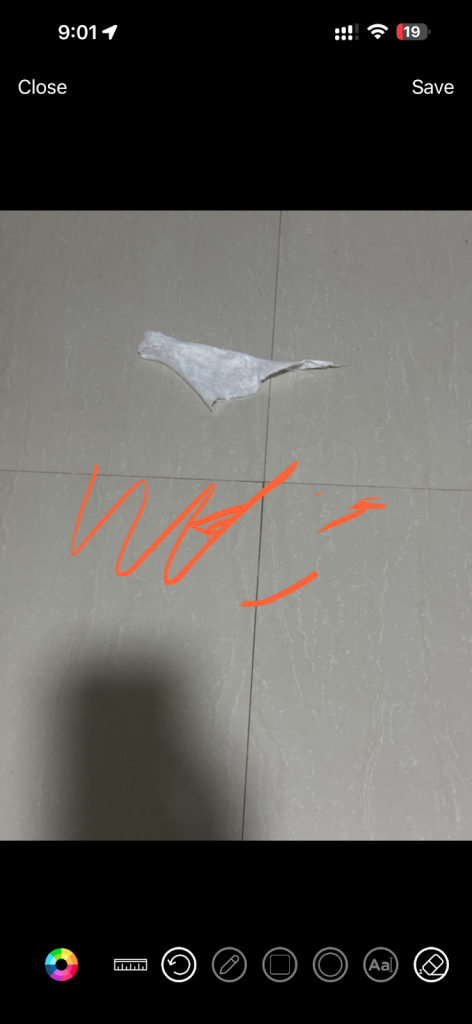
Draw
Freehand drawing for highlighting areas.
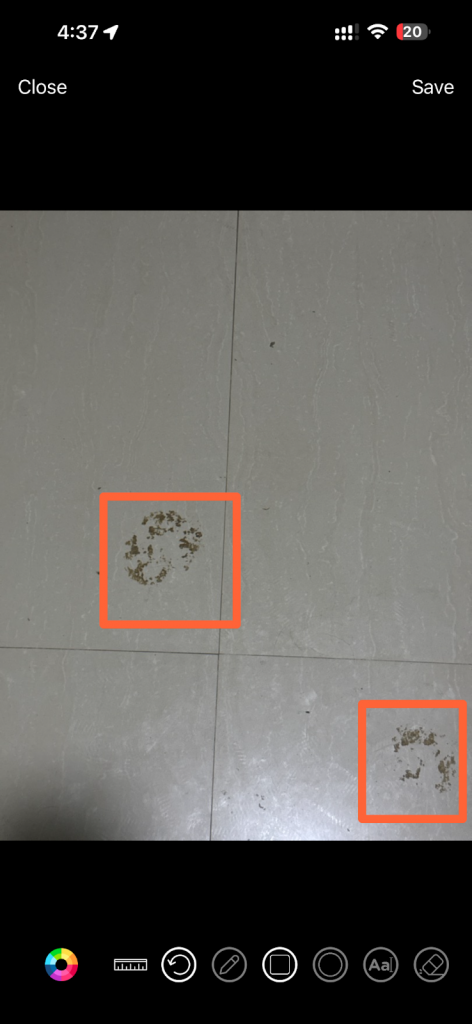
Square
Insert square shapes to emphasize specific sections.
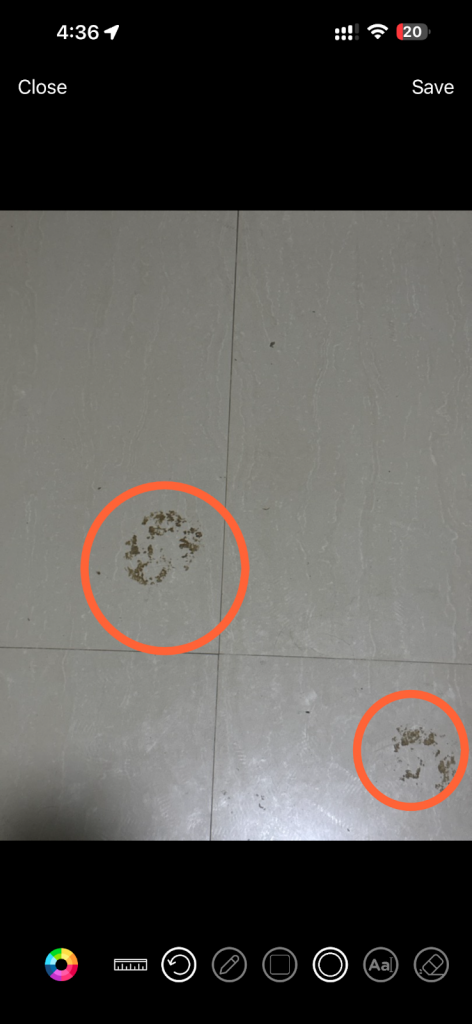
Circle
Insert circular shapes for highlighting.
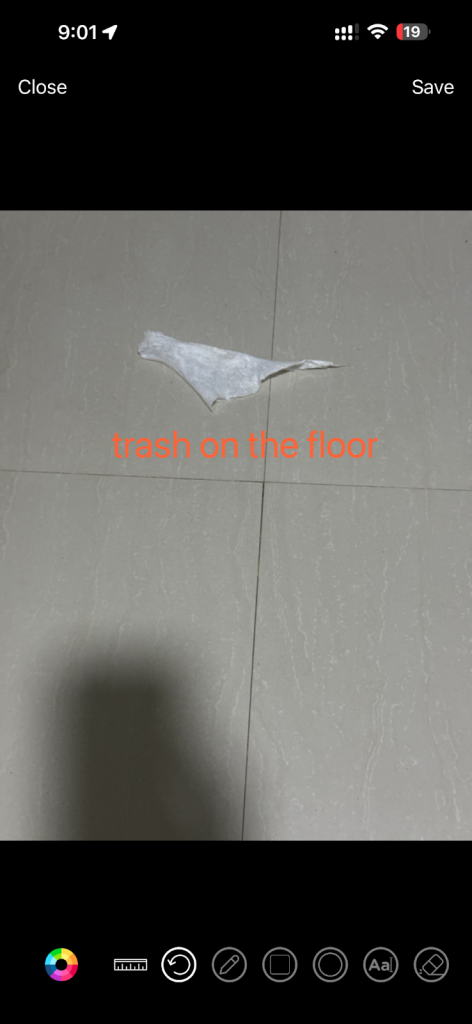
Add Text
Insert text directly onto the image for notes or clarifications.
Erase
Remove unwanted annotations.
Shape Size Options
When using Square or Circle, users can select:
• Small
• Medium
• Big
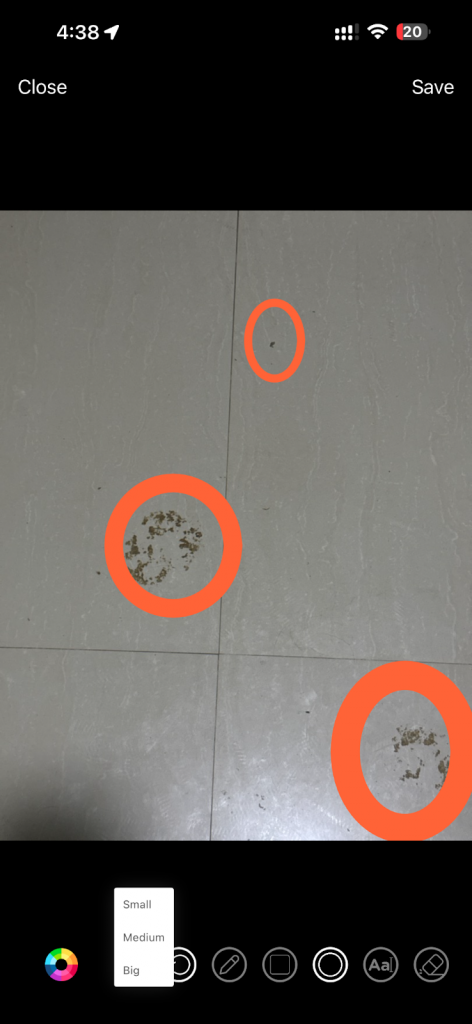
This allows for more precise highlighting depending on the image context.
The Photo Annotation Improvements in FacilityBot’s Mobile App provide a more robust, intuitive, and reliable way to document issues visually. Whether annotating Request attachments, Report Fault images, or Checklist photos, users can now clearly mark, highlight, and explain issues directly within the app — ensuring accurate records, improved accountability, and smoother operational workflows.