Introduction
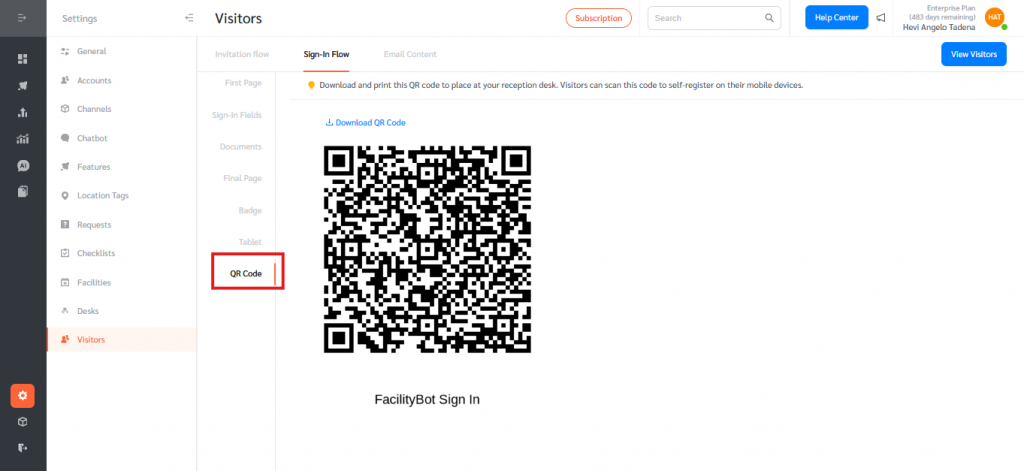
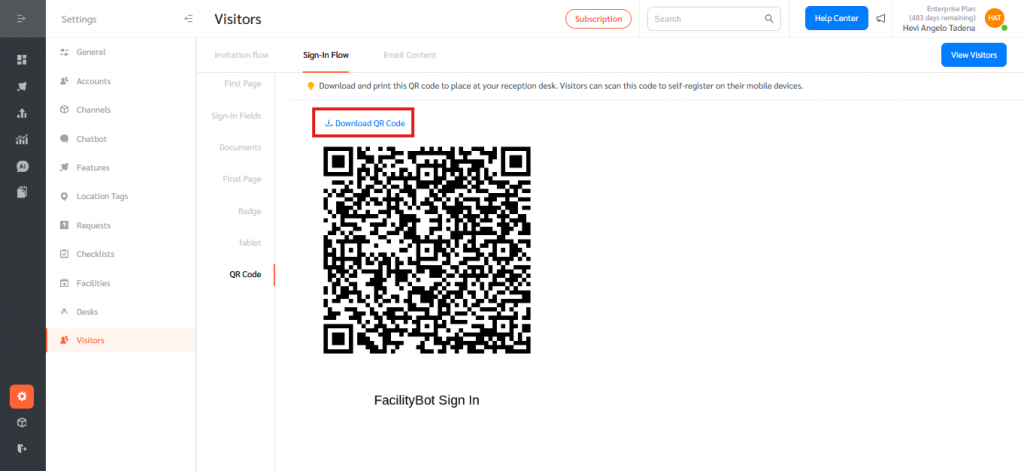
FacilityBot now supports Visitor Registration via Static QR Code, allowing visitors to self-register quickly using their mobile devices. Administrators can generate and download a unique QR code directly from the Visitor Sign-in Flow settings and place it at reception desks or entry points. When scanned, the QR code redirects visitors to the Tablet URL (Visitor Registration Web View), enabling a seamless and contactless sign-in experience while maintaining proper visitor tracking and compliance.
Accessing the QR Code Settings
To access the Visitor QR Code in FacilityBot:
- Log in to the FacilityBot Web Portal.

- Navigate to Settings → Visitors.
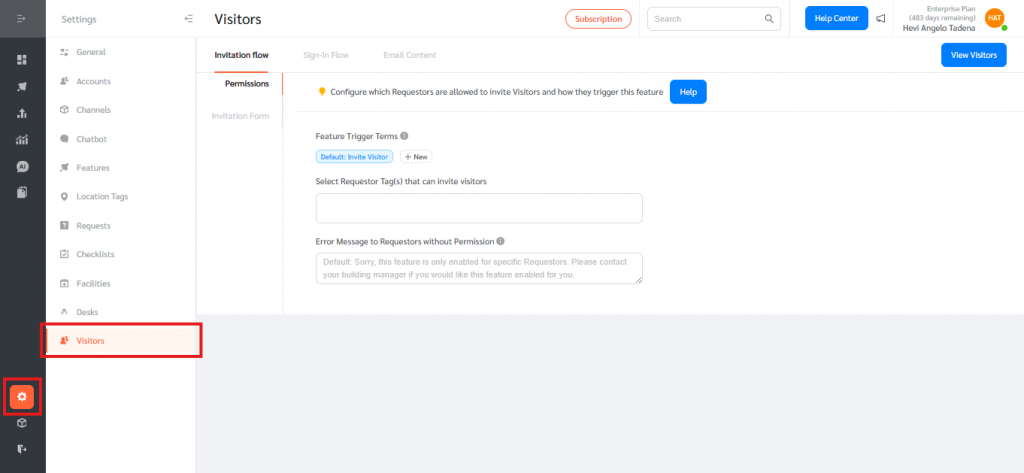
- Open the Sign-in Flow tab.
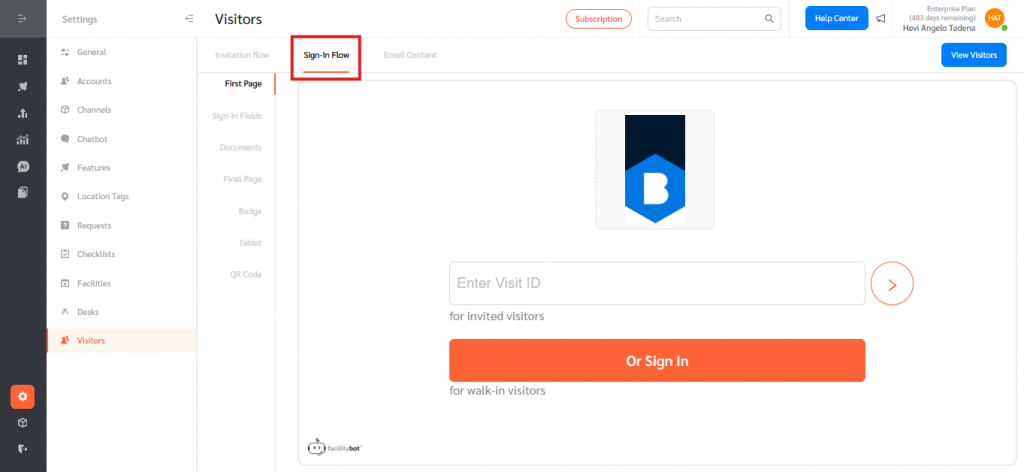
- Scroll to the QR Code section.
How It Works
- The Admin downloads and prints the static QR code.
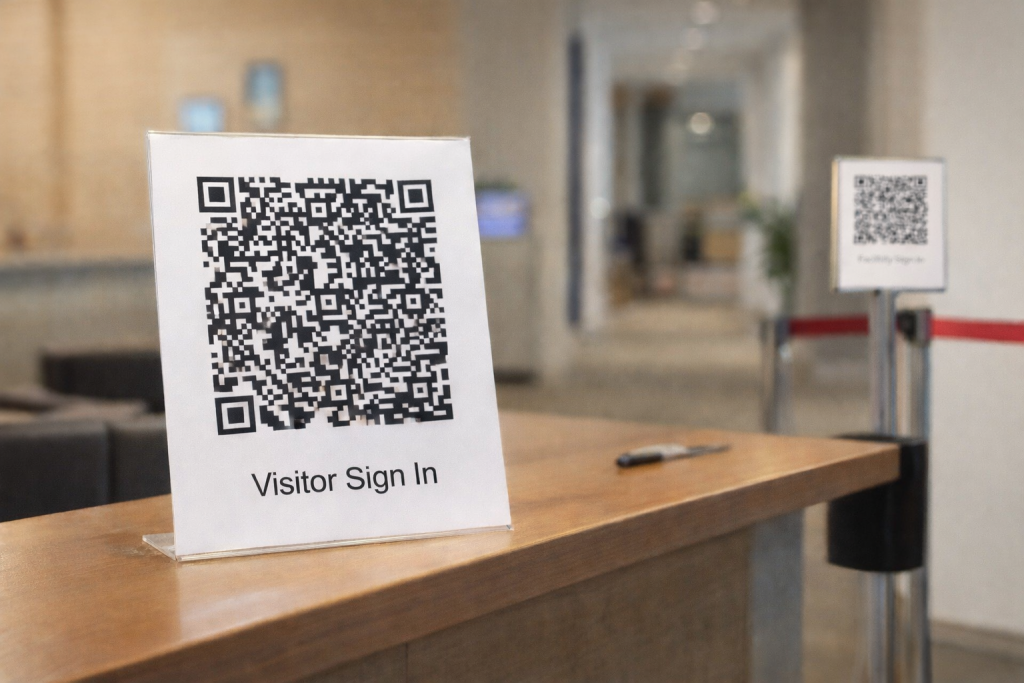
- The QR code is placed at the reception desk or entry area.
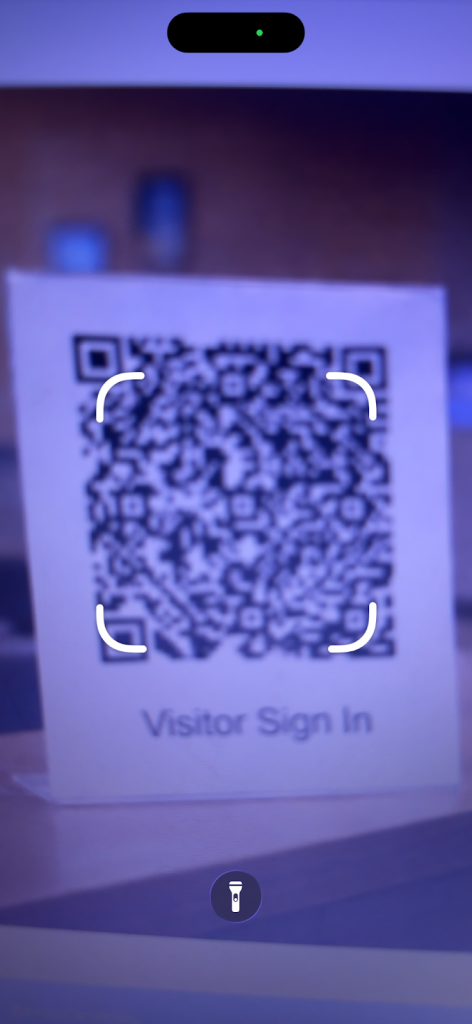
- A visitor scans the QR code using their mobile phone camera (e.g., iOS or Android).
- The system automatically opens the Visitor Registration Web View (Tablet URL) in the visitor’s mobile browser.
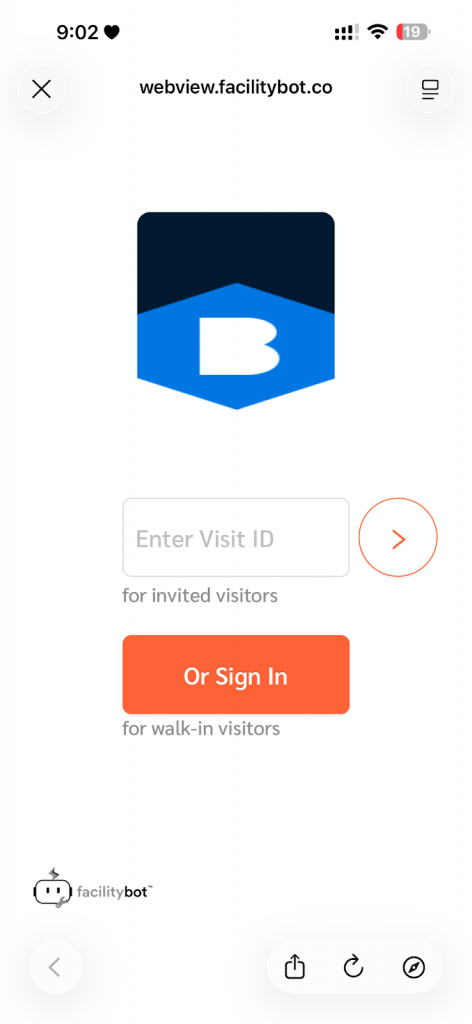
- The visitor completes the sign-in process directly on their own device.
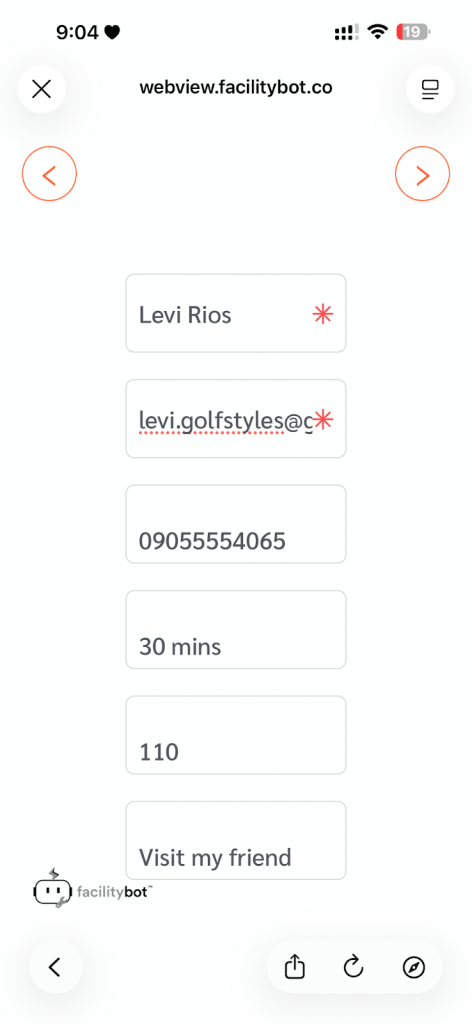
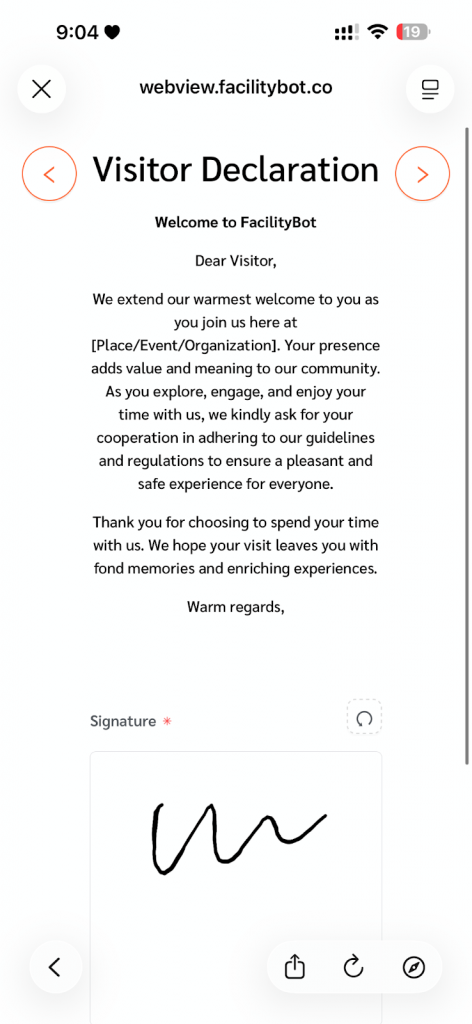
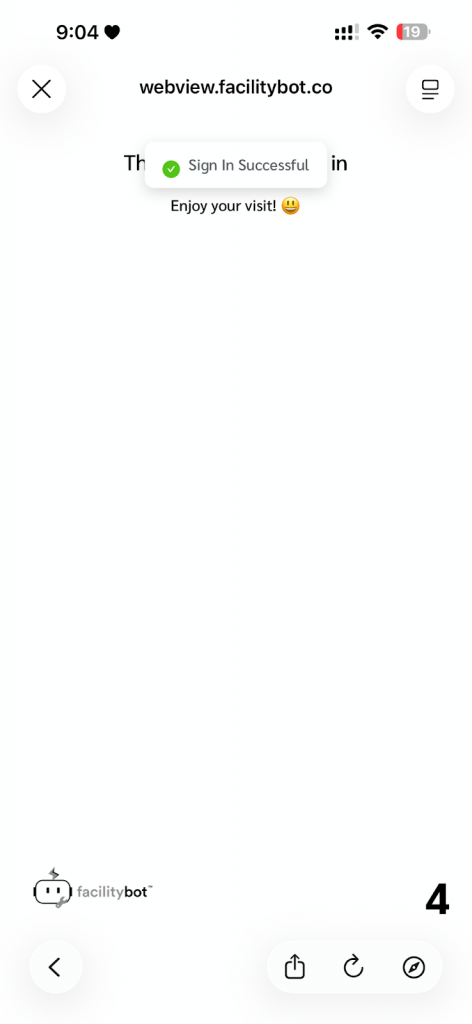
The Visitor Registration via QR Code feature streamlines front desk operations by enabling contactless, self-service check-ins that reduce reception workload and improve overall registration speed and efficiency. By allowing administrators to easily download and print a static QR code, visitors can quickly scan and complete their sign-in on their own devices, while ensuring accurate visitor logging, compliance tracking, and centralized data management within FacilityBot.