
Introduction
FacilityBot now supports Star Rate Items within Schedule of Rates (SORs). These items allow users to include non-standard or external items that are not part of the predefined SOR, along with supporting quotation attachments (PDFs). This provides greater flexibility when submitting SOR quotations that require third-party pricing or custom items.
How It Works
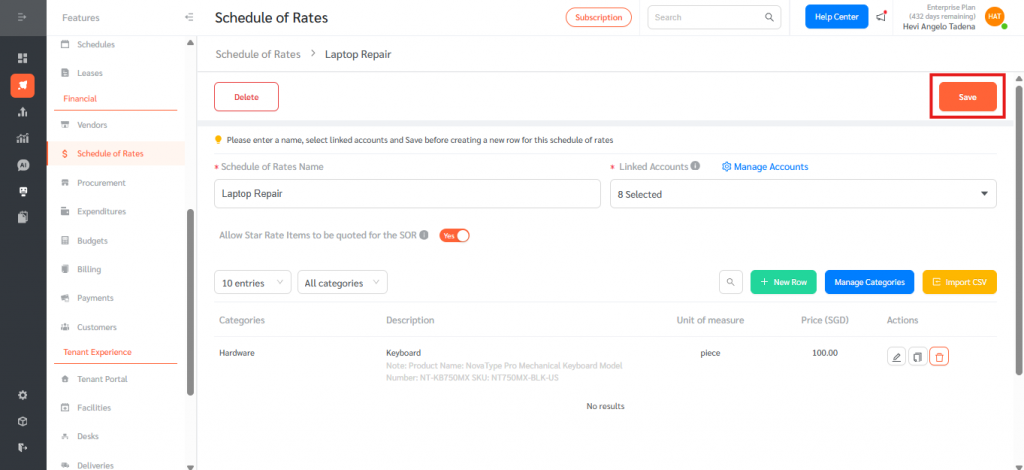
Enable Star Rate Items in SOR
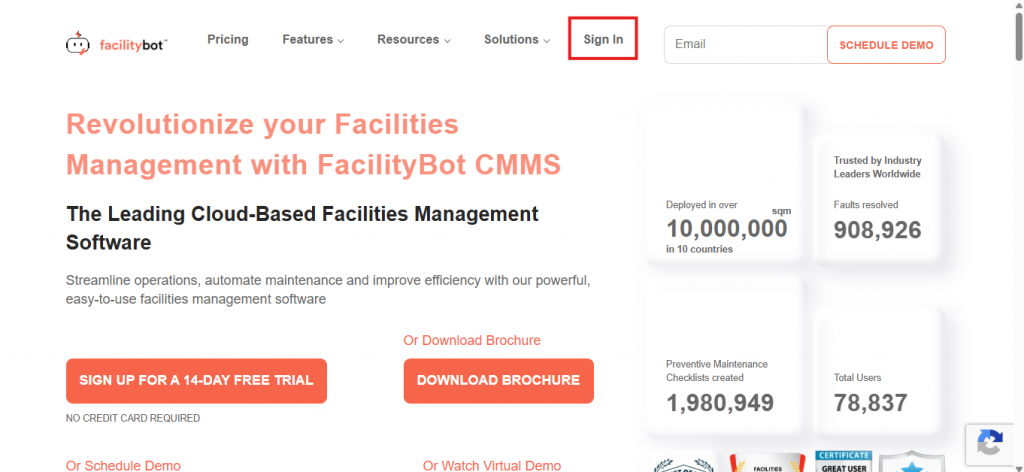
- Log in to the Facilitybot web portal
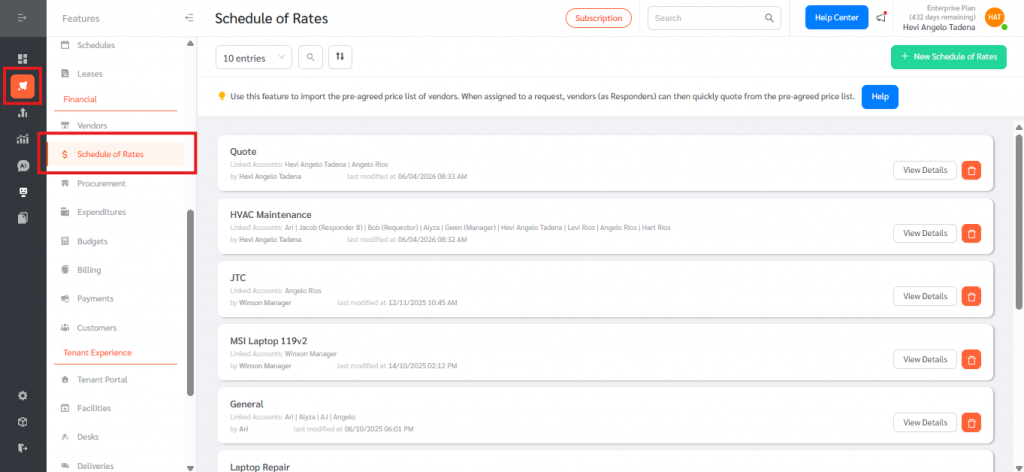
- Go to Features, then, Schedule of Rates (SOR)
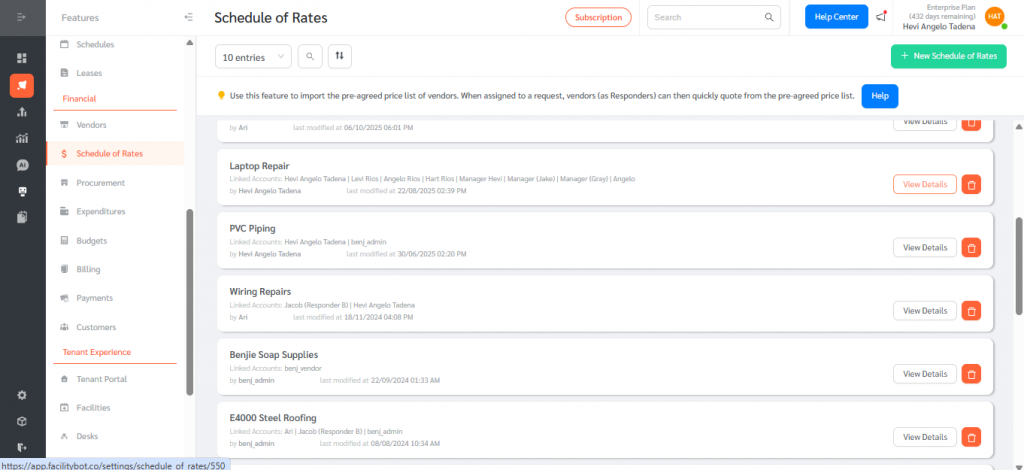
- Create or edit an SOR
- Toggle “Allow Star Rate Items to be quoted for the SOR” to Yes
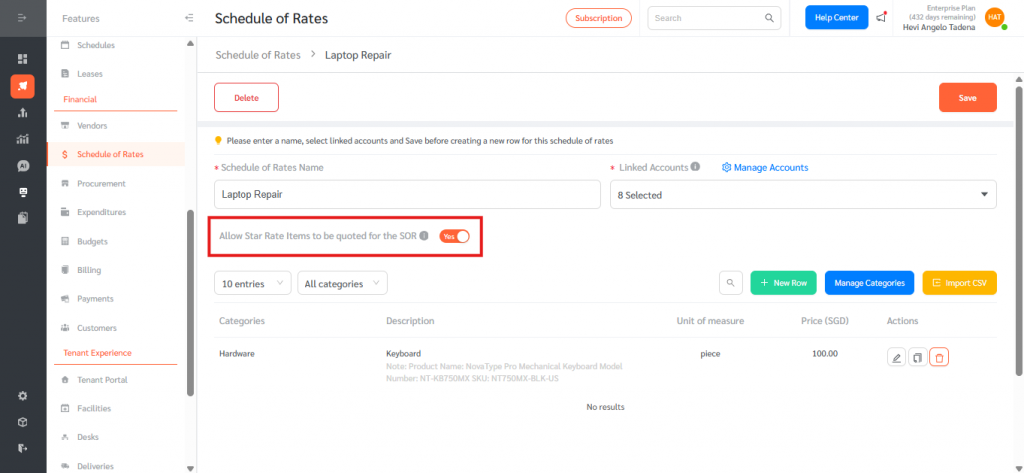
- Click save.
Add Star Rate Items in a Request
- Go to Features, then Requests and Open a Request
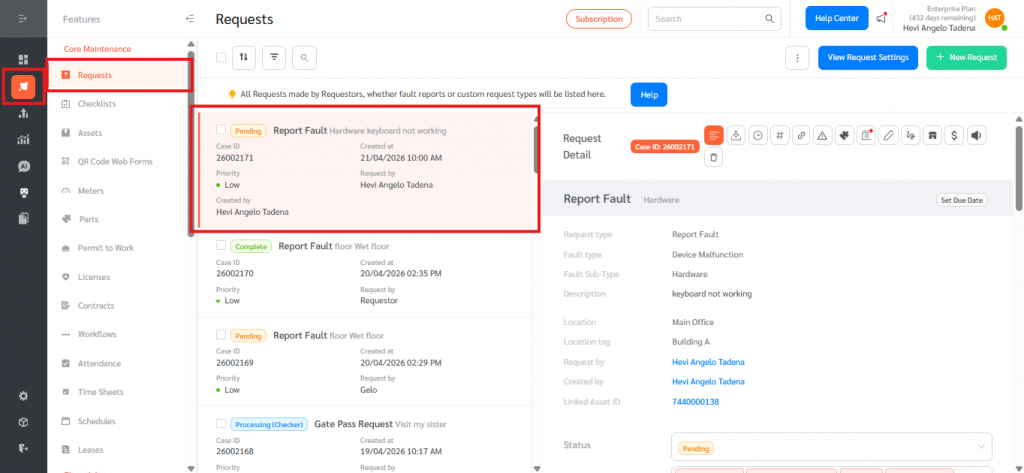
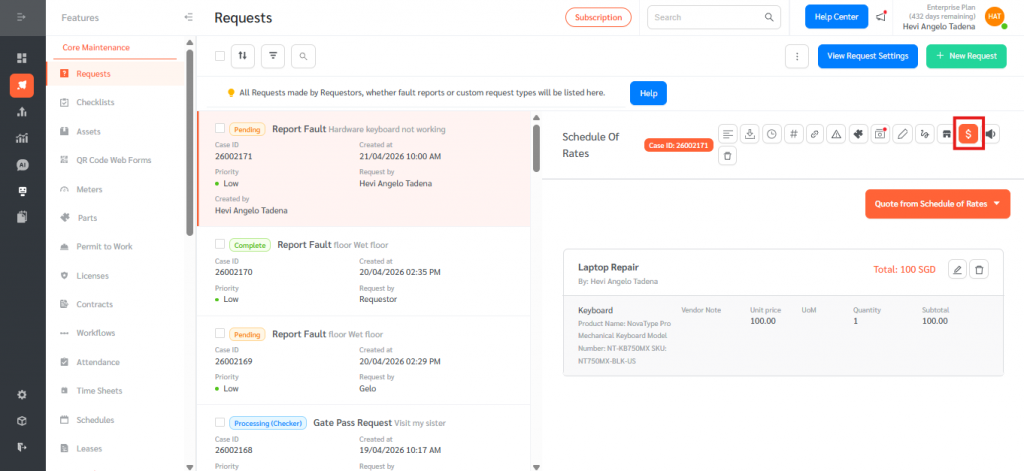
- Click Schedule of Rates
- Click Quote from Schedule of Rates
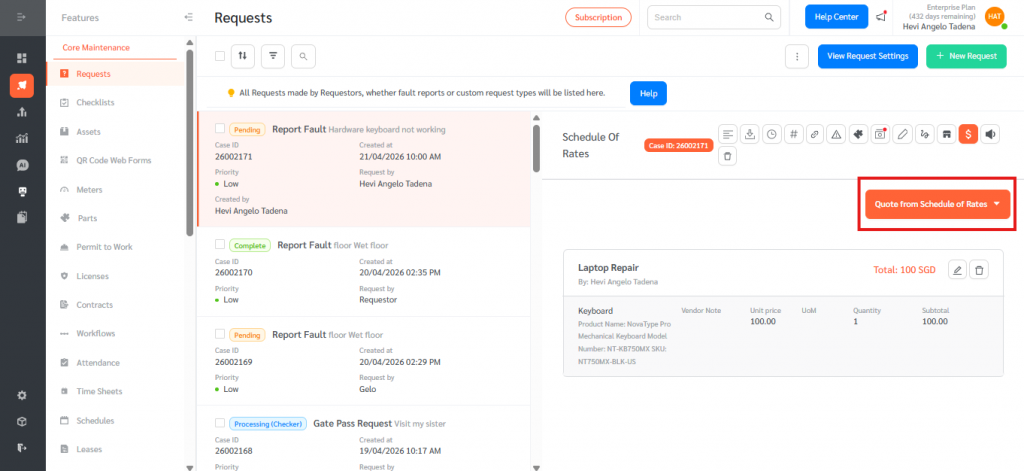
- Select an SOR with Star Rate enabled
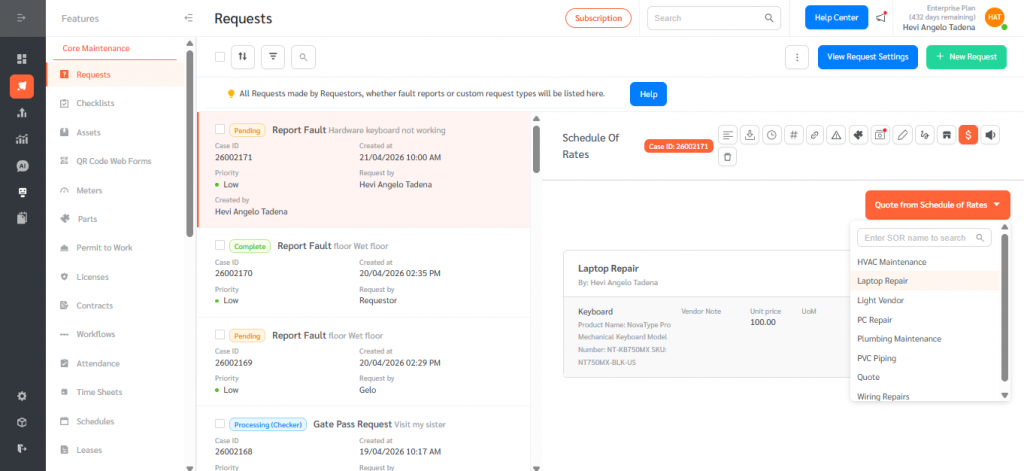
- Scroll down and click Add Star Rate Item here
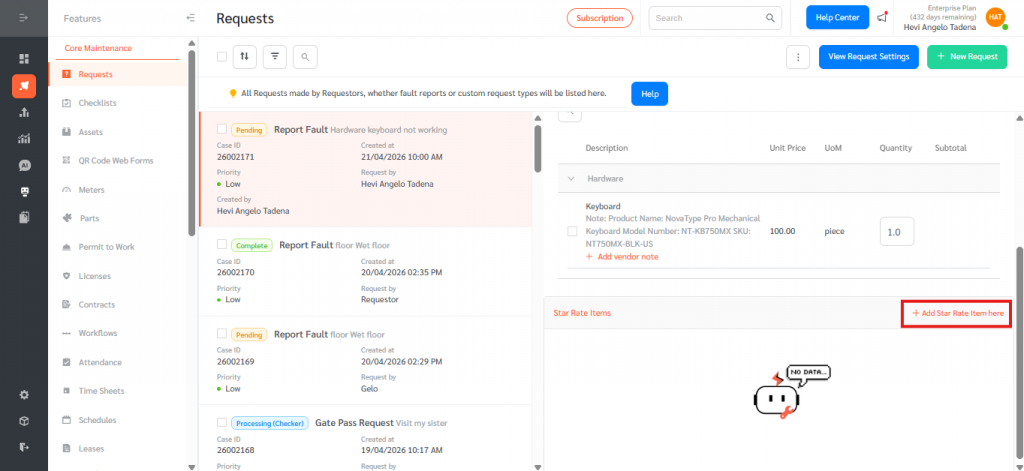
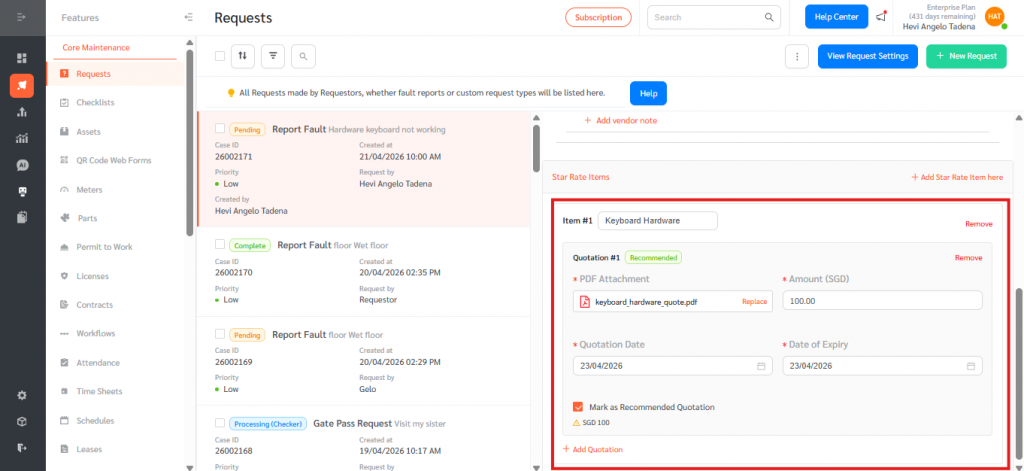
Each Star Rate Item includes:
- Description (required)
- One or more Quotations, each with:
- PDF Attachment (required, max 10MB)
- Amount (required)
- Quotation Date (required)
- Expiry Date (required)
- Recommended Quotation (exactly one per item)
Star Rate Items are designed to support flexible procurement by allowing users to include items that are not predefined in the SOR, attach external vendor quotations for approval, and handle custom procurement scenarios. This enables more accurate and realistic cost submissions while ensuring that all non-standard requirements are properly documented and validated. Overall, Star Rate Items enhance SOR flexibility by allowing custom entries with supporting attachments, while still maintaining structured approval workflows and submission integrity.