
Introduction
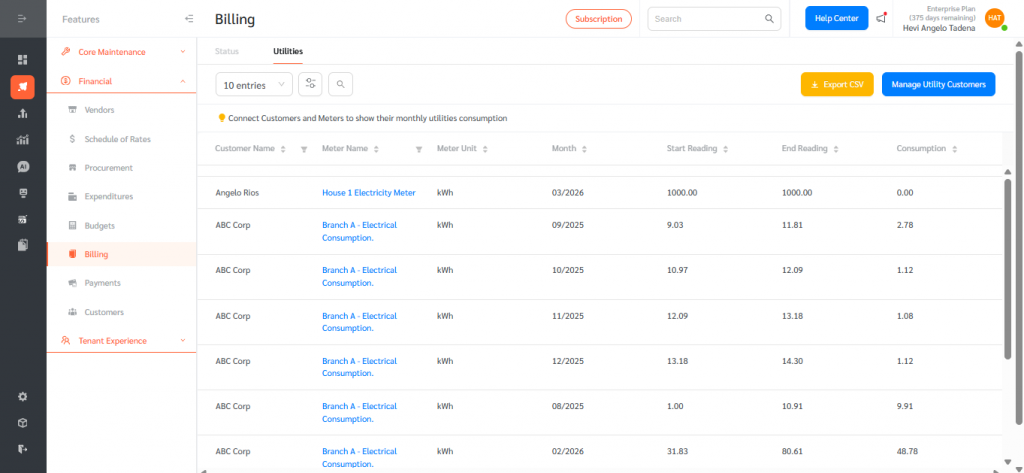
FacilityBot now includes a Utilities tab within Billing that lets property managers track and bill their customers based on utility meter consumption. By linking customers to specific meters, FacilityBot automatically calculates each customer’s monthly consumption from the meter’s start and end readings, providing a centralised view that can be filtered, exported, and used to generate new bills.
Access the Utilities Tab
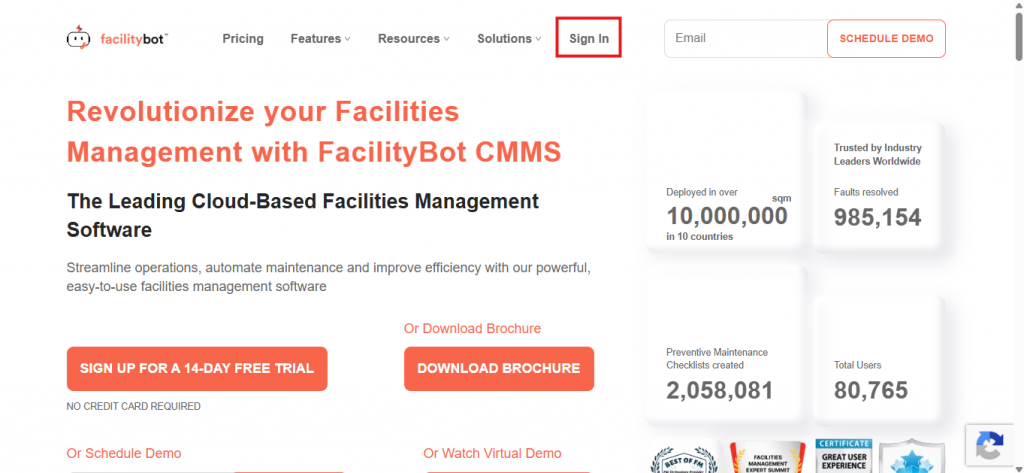
- Log in to the FacilityBot Web Portal.
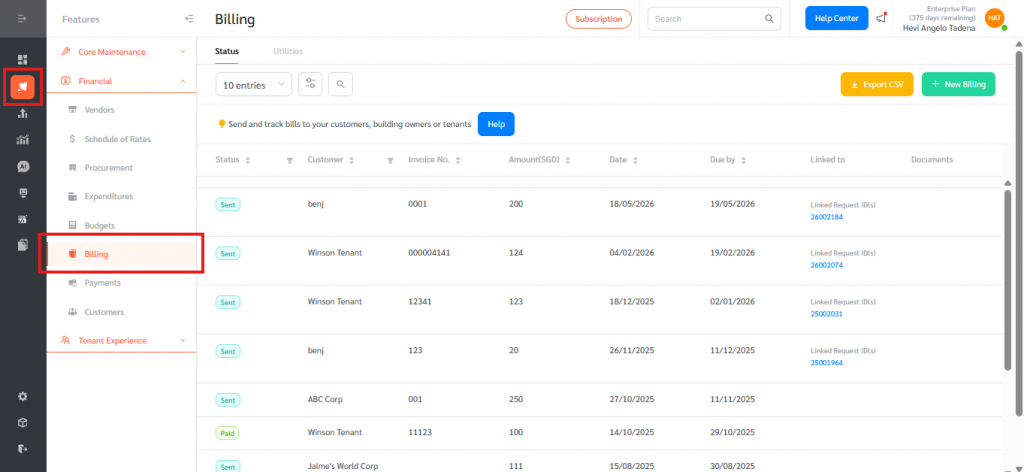
- Go to Features, then Billing.
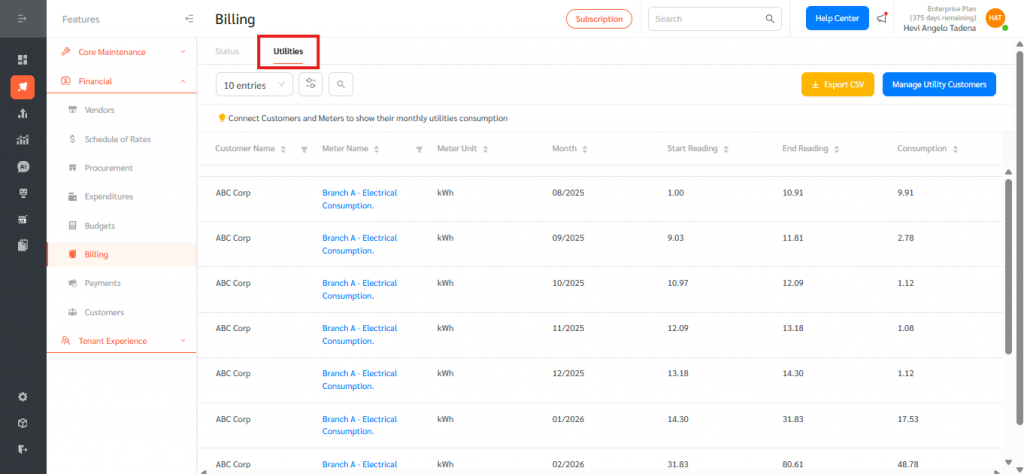
- Click the Utilities tab at the top of the Billing page, next to the Status tab.
Link a Customer to a Meter
- On the Utilities tab, click Manage Utility Customers at the top right.
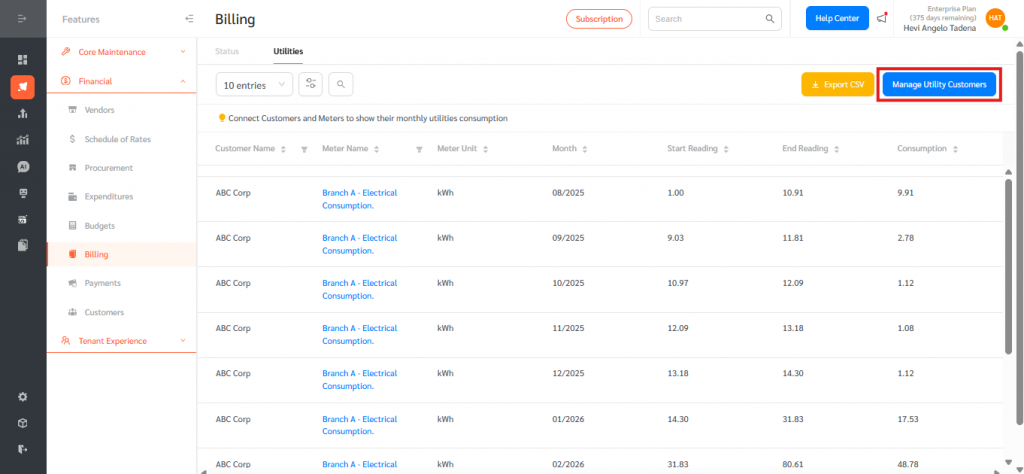
- The Manage Utility Customers panel opens, listing existing customer-to-meter links.
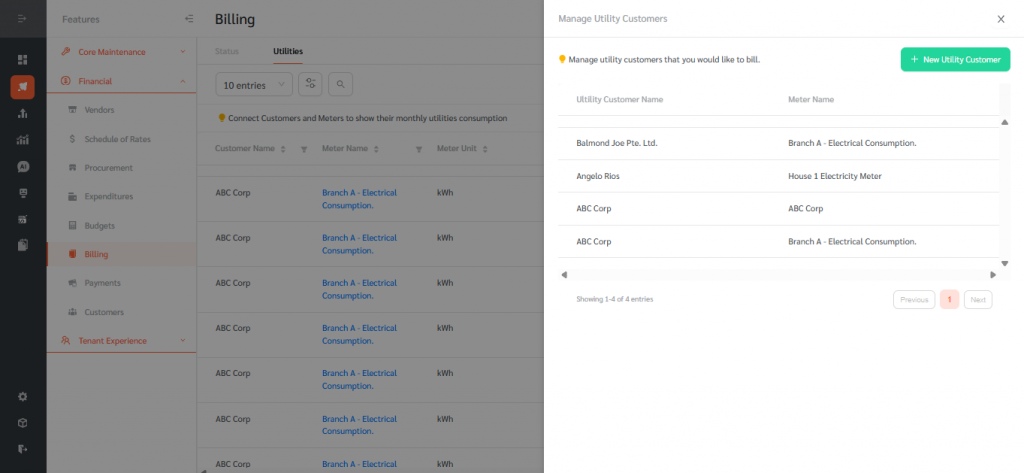
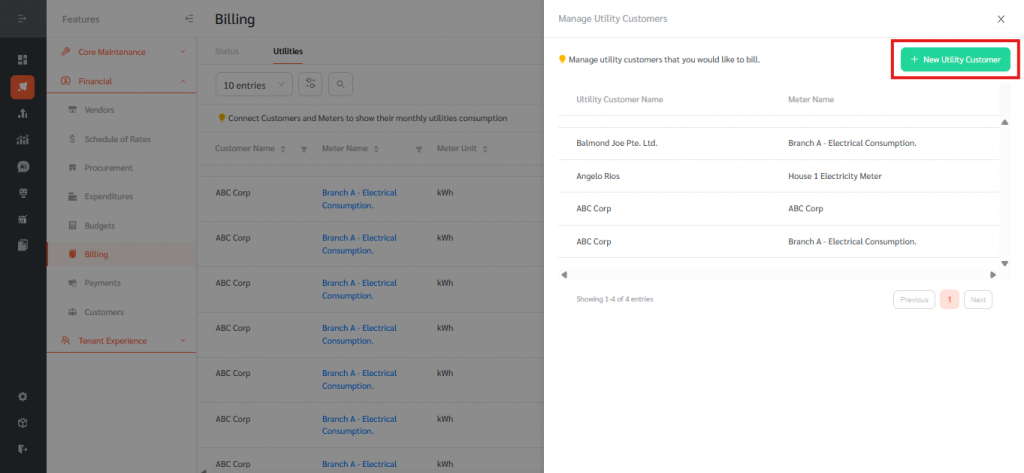
- Click + New Utility Customer to add a new link.
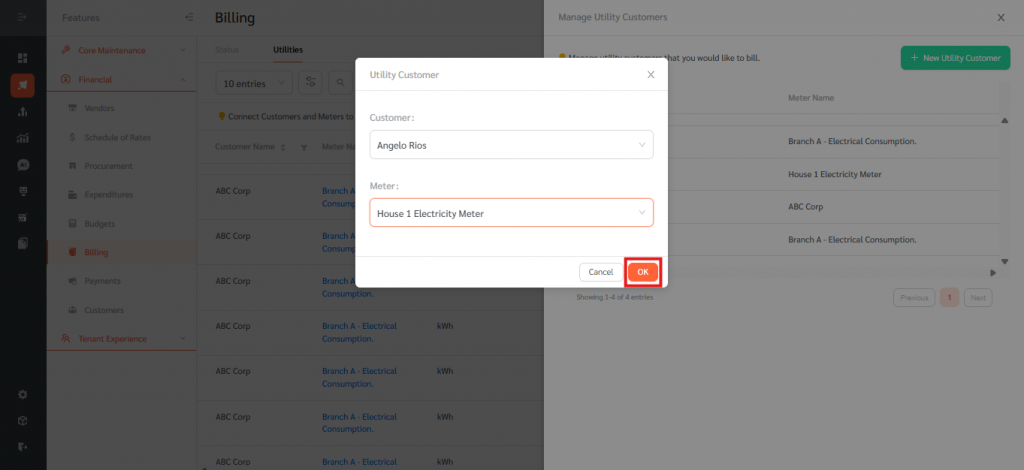
- In the Utility Customer dialog, choose the Customer from the dropdown and the Meter to bill them for, then click OK.
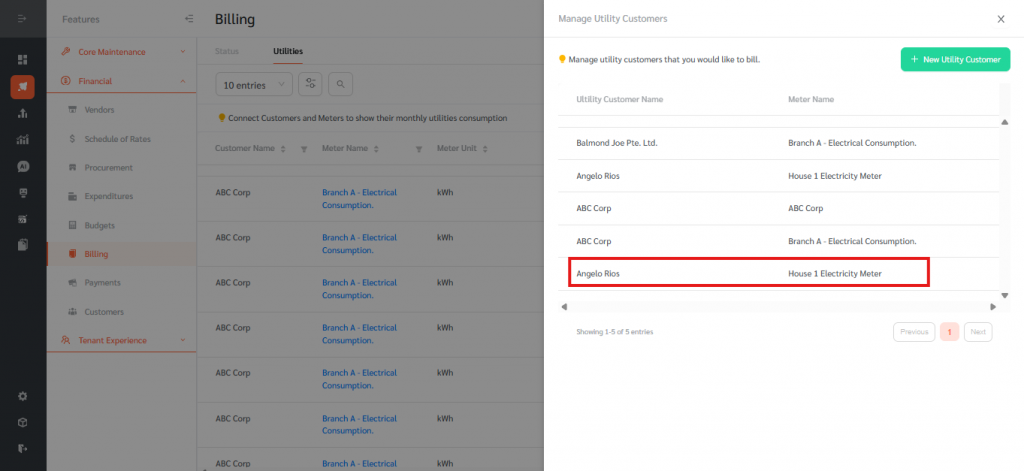
- The new link appears in the panel. Repeat for any additional customer-meter pairings.
View Utility Consumption
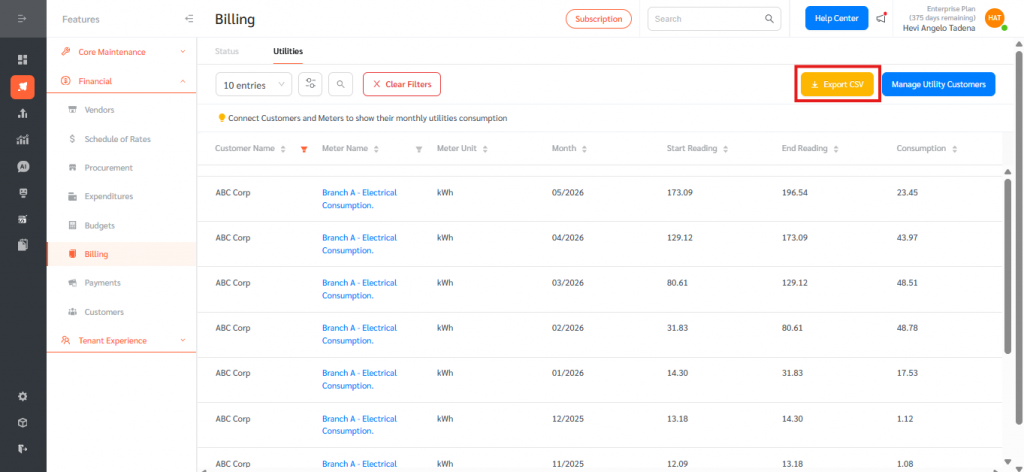
- Close the Manage Utility Customers panel to return to the Utilities tab. Each row shows a customer’s consumption for a single meter and month. The columns displayed are Customer Name, Meter Name, Meter Unit, Month, Start Reading, End Reading, and Consumption (End Reading minus Start Reading).
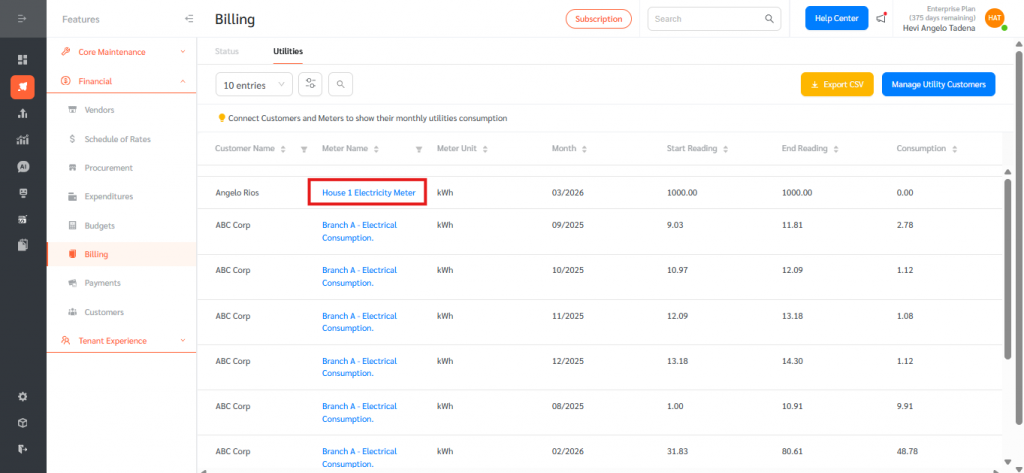
- Click the Meter Name in any row to drill into the Meters page filtered to that meter.
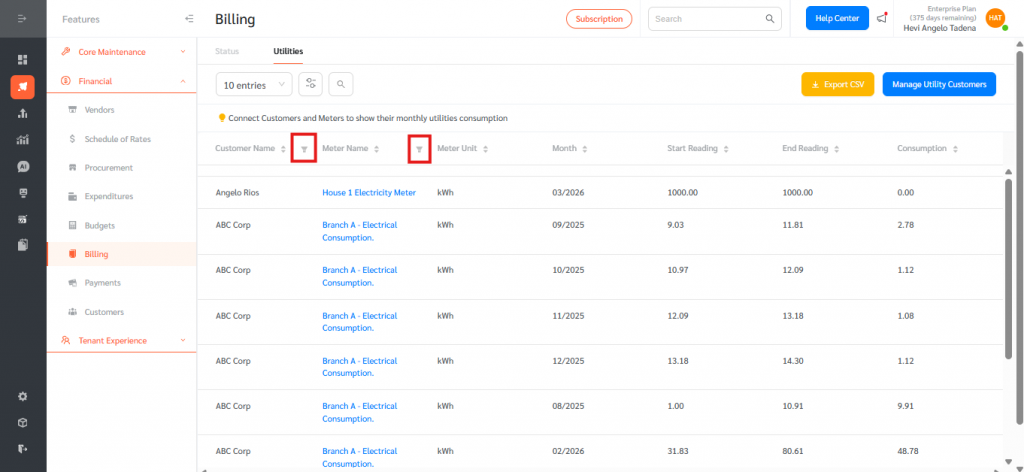
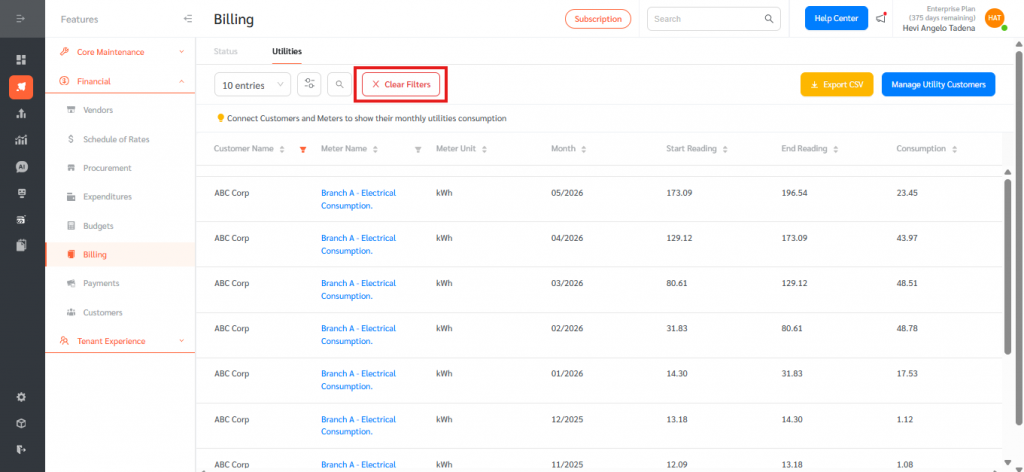
- Use the filter icons in the column headers to filter by Customer Name or Meter Name. Click Clear Filters to reset.
- Use the pagination controls at the bottom to move between pages. Filters and column data are preserved across pages.
Export and Create a Bill
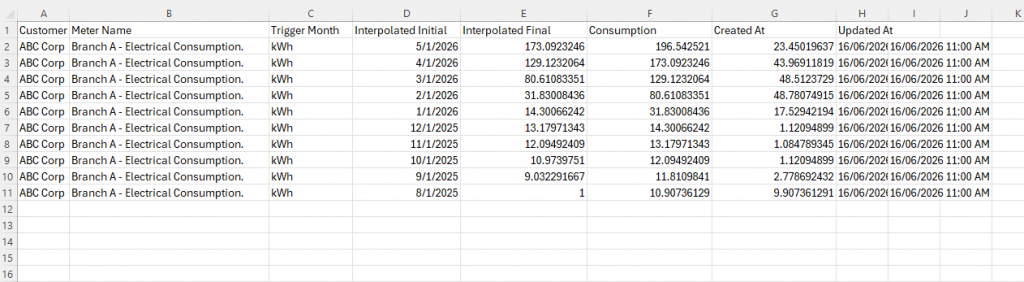
- Click Export CSV at the top right to download the current view, including any active filters, as a CSV file for record-keeping or external billing.
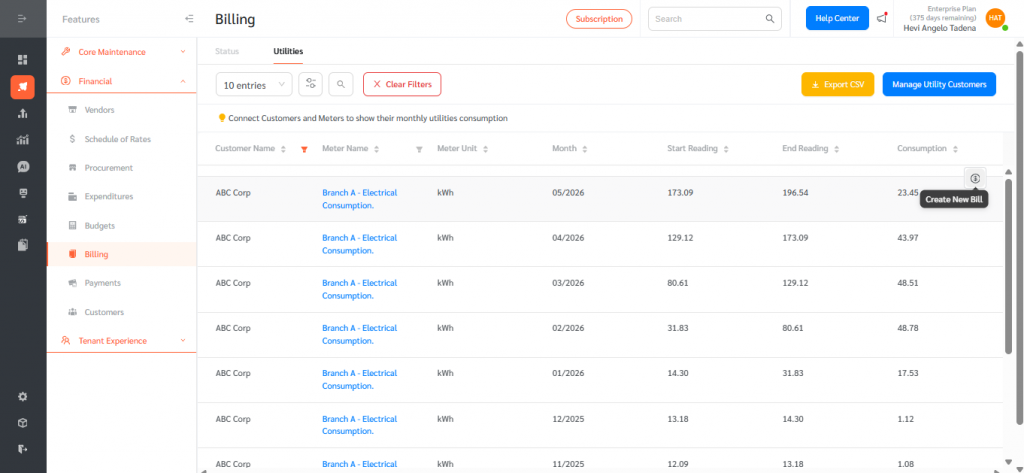
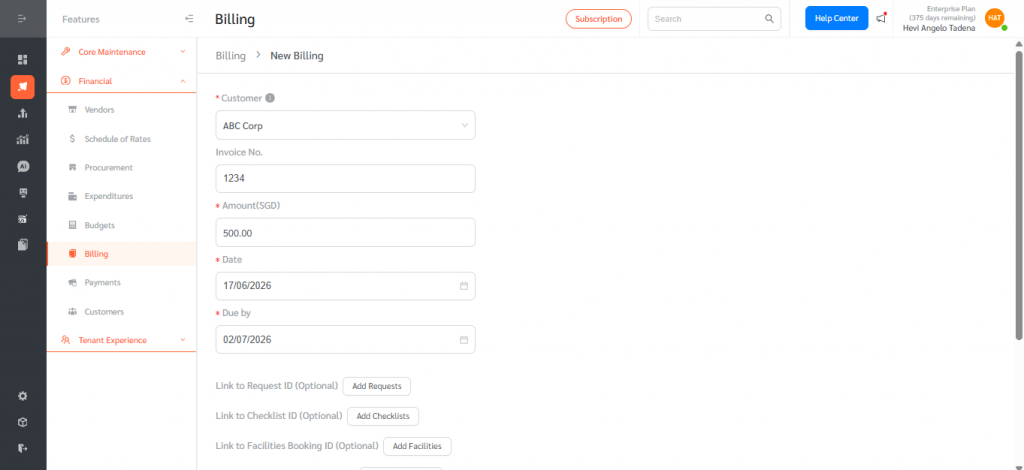
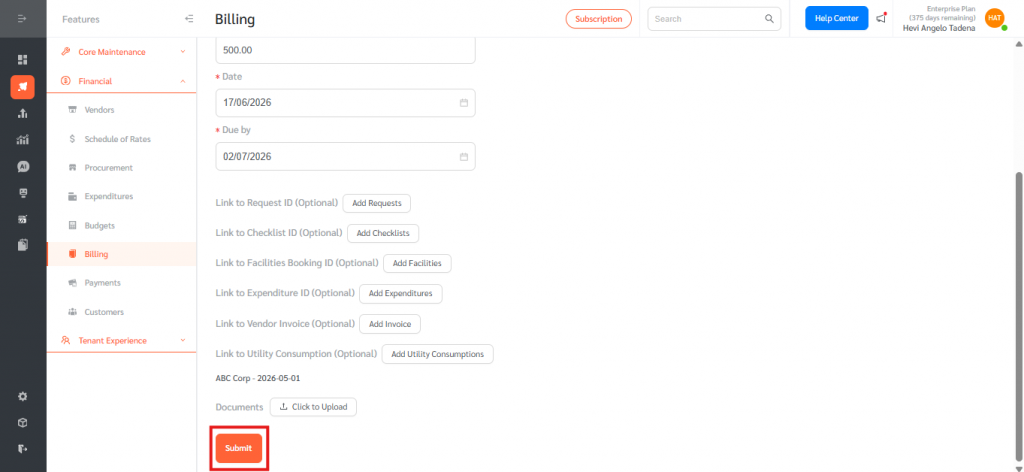
- To bill a customer for a consumption row, click Create New Bill on that row. The new bill form opens with the Customer pre-populated, ready for you to enter the rate, amount, and other bill details.
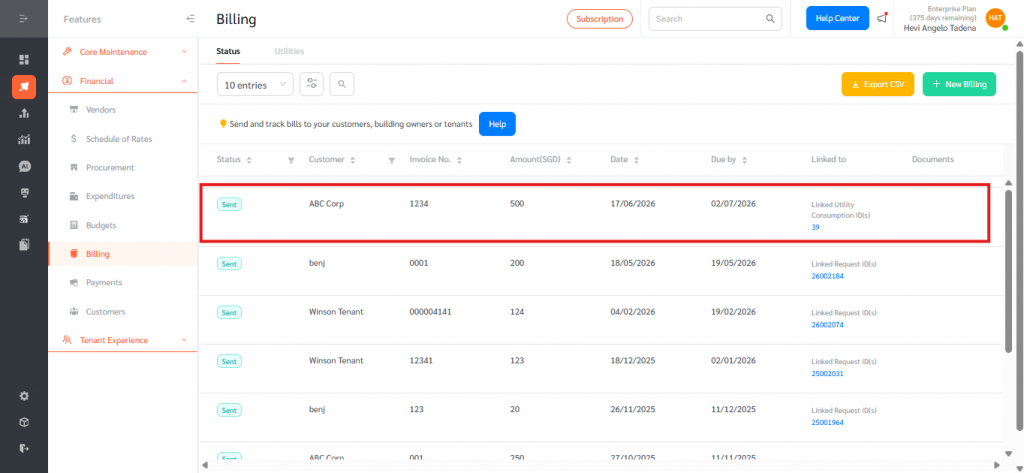
- Complete the bill and save. It will appear in the Status tab of Billing for tracking.
The Utilities tab in Billing helps property managers, building owners, and tenants accurately track and recover utility costs based on actual meter consumption. By linking customers to meters once and letting FacilityBot calculate monthly consumption automatically, organisations can simplify recurring utility billing, reduce manual data entry, and improve transparency for tenants. Common use cases include tenant sub-metering for electricity and water, branch-level utility cost allocation, and consolidated utility billing for serviced facilities. Overall, the Utilities tab streamlines the end-to-end process from meter reading to invoice within FacilityBot.